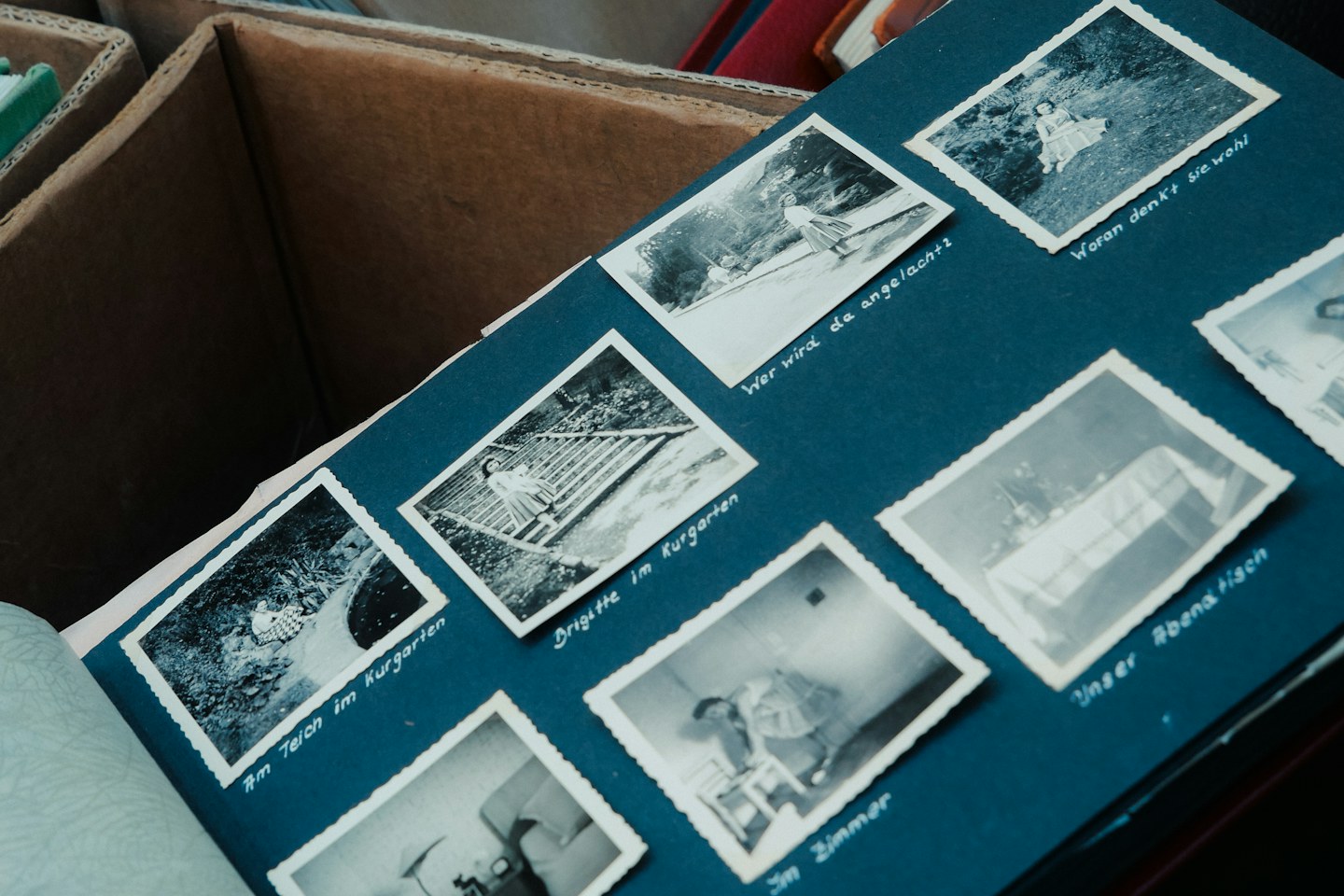
 Photos & memories
Make a present-to-past portrait timelapse with Eye Contact
Try reverse chronology with a small set of portraits.
Read the guide ↗Guides to RECAM, Werewolf game nights and portrait timelapses with Eye Contact.
Photos & memoriesTry reverse chronology with a small set of portraits.
Read the guide ↗ Connected home
Tell people at home what to do before moving the setup.
Read the guide ↗ Together
Agree on how to restate comments before roles are assigned.
Read the guide ↗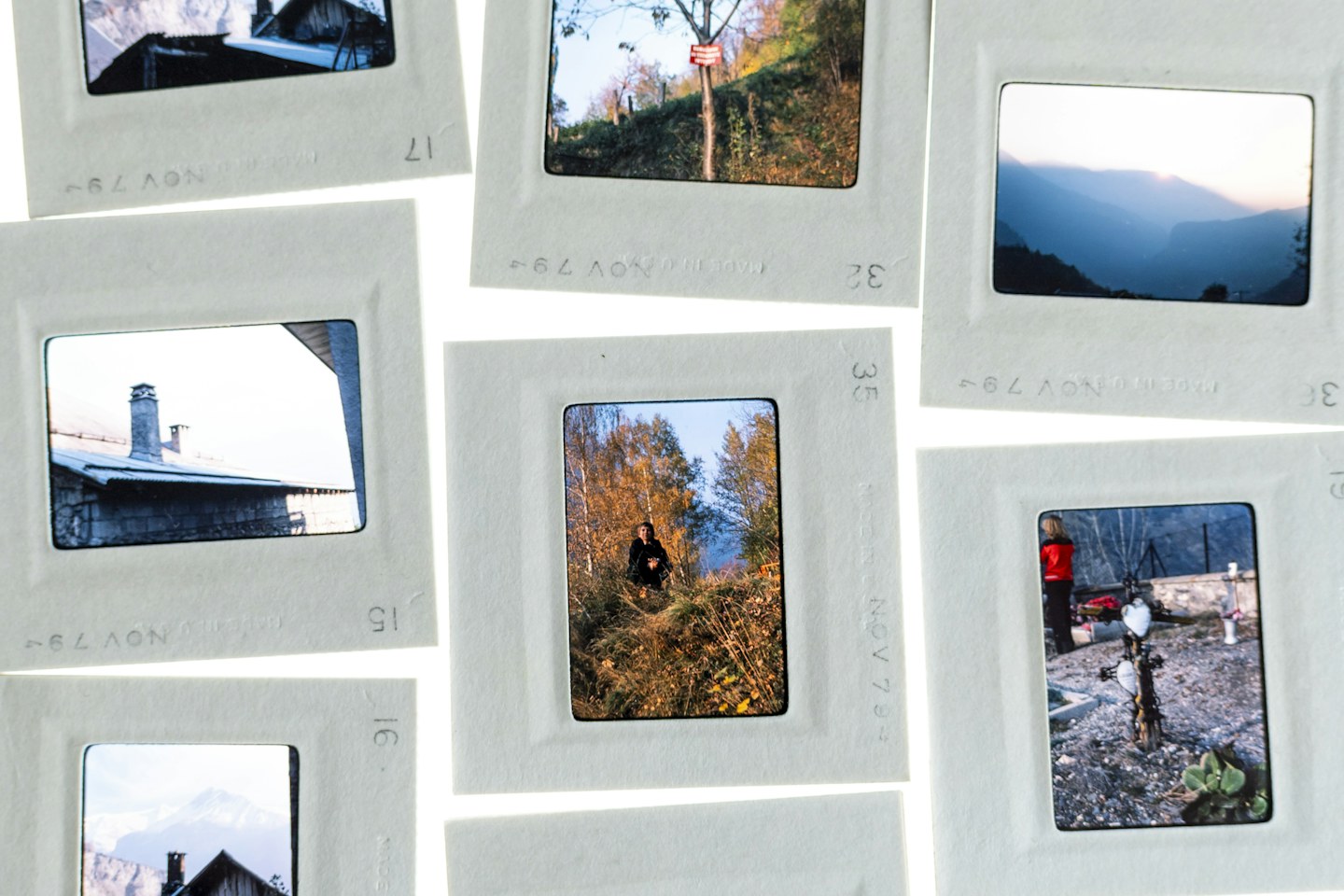 Photos & memories
Choose portraits whose progression is clear in silence.
Read the guide ↗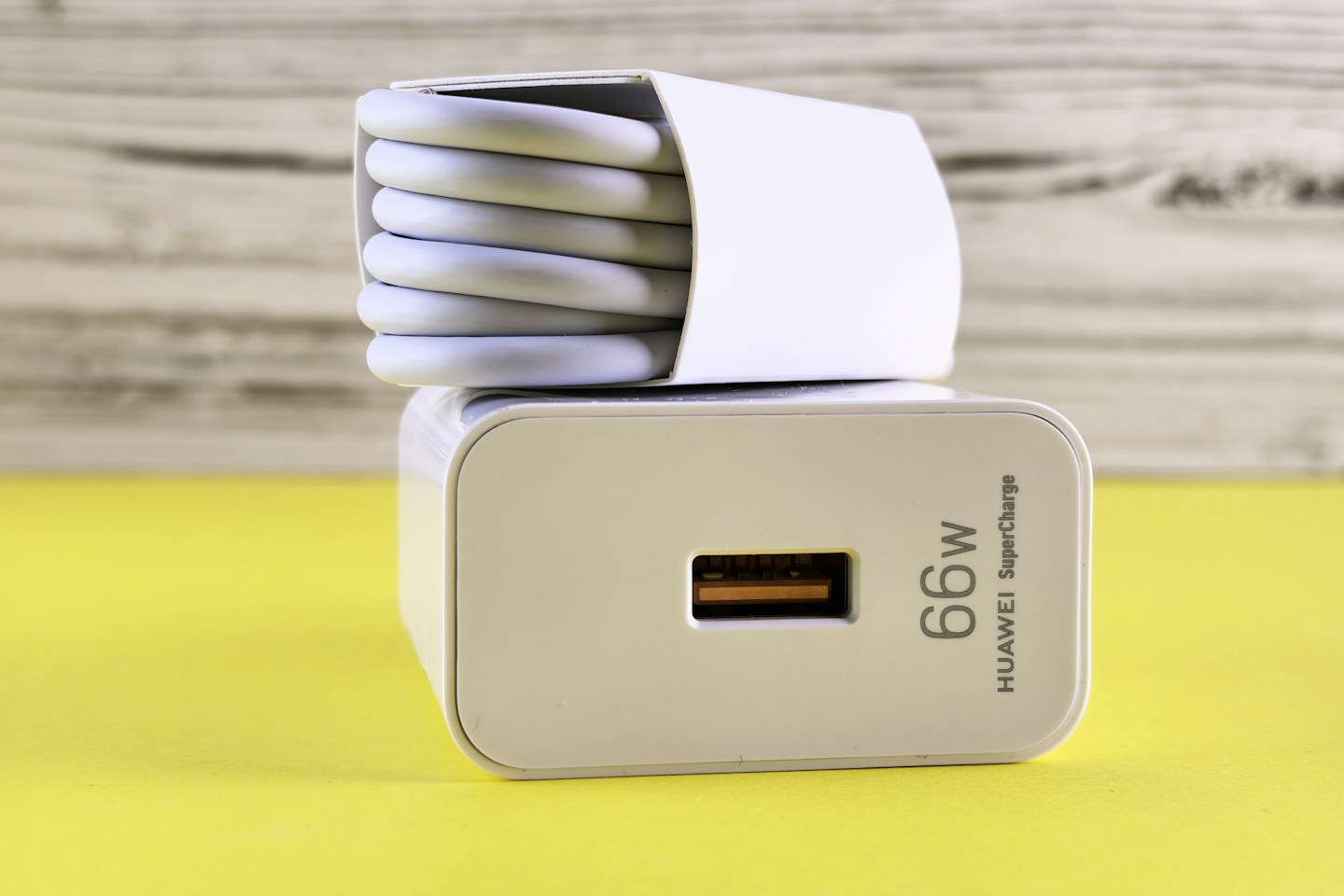 Connected home
Check power with the phone in its final position.
Read the guide ↗ Together
Resolve differences between variants before assigning roles.
Read the guide ↗ Photos & memories
Check the imported image before building your portrait film.
Read the guide ↗ Connected home
A simple check before looking through settings for the cause.
Read the guide ↗ Together
Check departure plans before dealing out roles again.
Read the guide ↗ Photos & memories
Keep a reference version so you can compare an idea without losing your place.
Read the guide ↗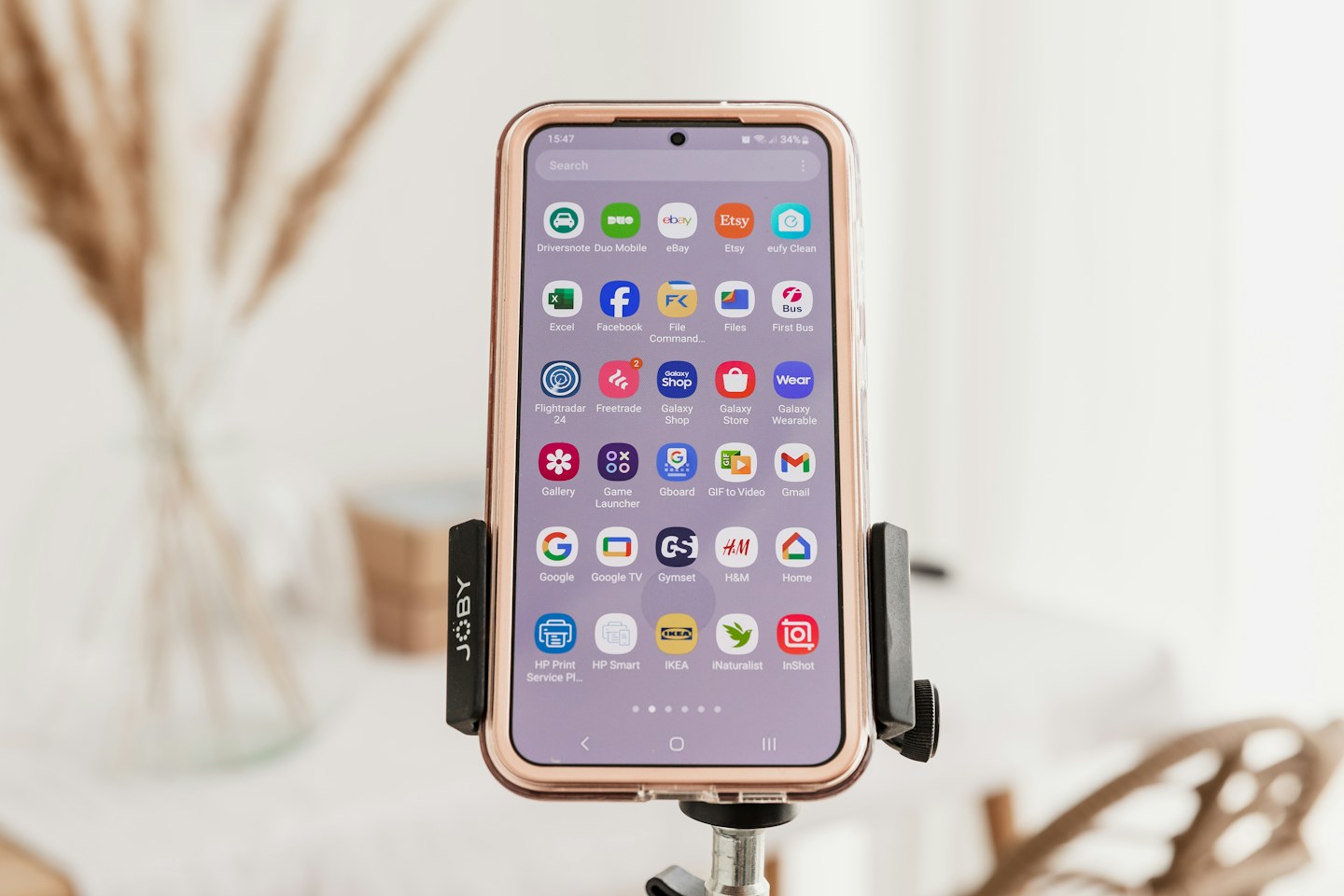 Connected home
Use two fixed landmarks to put a phone or Mac camera back where it belongs.
Read the guide ↗ Together
Agree on a simple spectator rule before the first night.
Read the guide ↗ Photos & memories
Check the selected face on each photo before changing the pace of your film.
Read the guide ↗ Connected home
Check the framing at two times of day before choosing where to leave the camera.
Read the guide ↗ Together
Try one sentence from the far end of the table before starting.
Read the guide ↗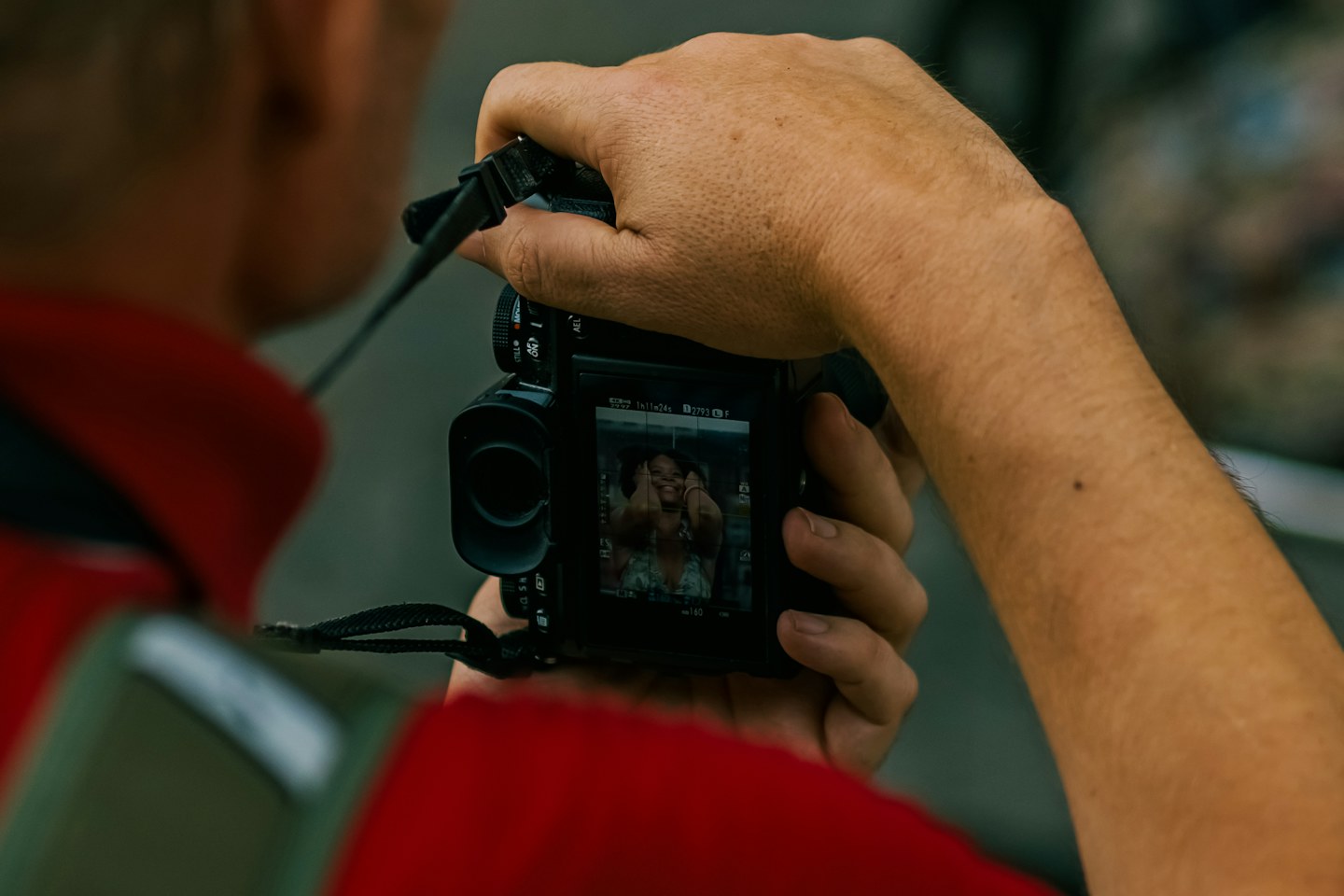 Photos & memories
Compare two cuts at viewing size before dropping a picture you care about.
Read the guide ↗ Connected home
Record the camera and viewer details that help narrow down a live-view issue.
Read the guide ↗ Together
Try a practice vote from the worst seat before handing out roles.
Read the guide ↗ Photos & memories
Review the cut from the last photo to the first before changing the speed of the whole sequence.
Read the guide ↗ Connected home
Measure one viewing session to estimate how several quick checks might affect your allowance.
Read the guide ↗ Together
Give everyone a clear stopping point and a chance to decide whether to play again.
Read the guide ↗ Photos & memories
Compare two crops before exporting a photo montage for a phone or a TV.
Read the guide ↗ Connected home
A short observation log helps you repeat a camera test without guessing what triggered a notification.
Read the guide ↗ Together
Replace “that person over there” with table tents that reveal nothing about roles.
Read the guide ↗ Photos & memories
Prepare a cat or dog photo montage with Eye Contact: choose clear eyes, check the order and review transitions before exporting.
Read the guide ↗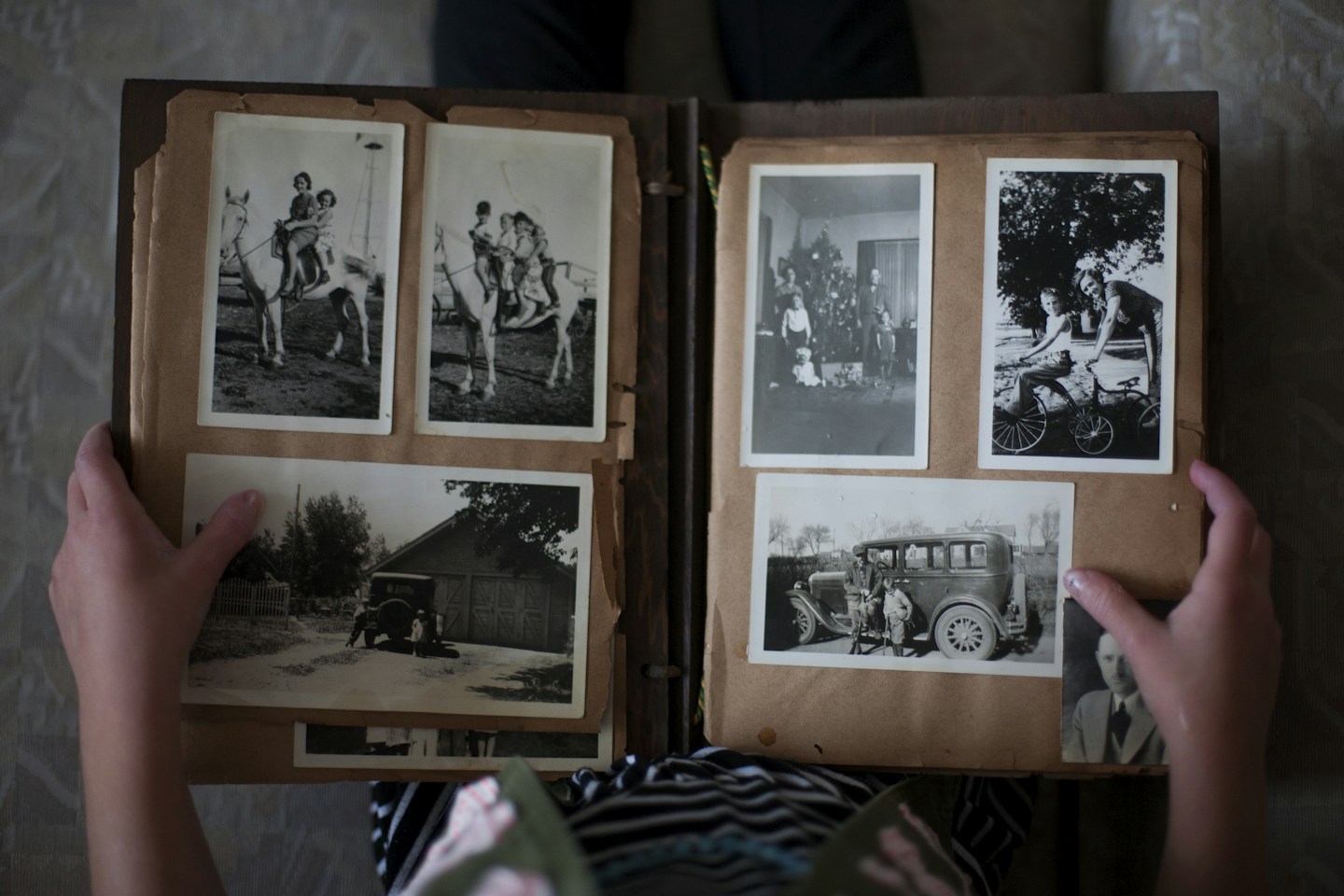 Photos & memories
Separate file dates from memories, then arrange portraits in Eye Contact without inventing a timeline.
Read the guide ↗ Together
Set a clear starting time, count who is present and plan for friends arriving after roles are assigned.
Read the guide ↗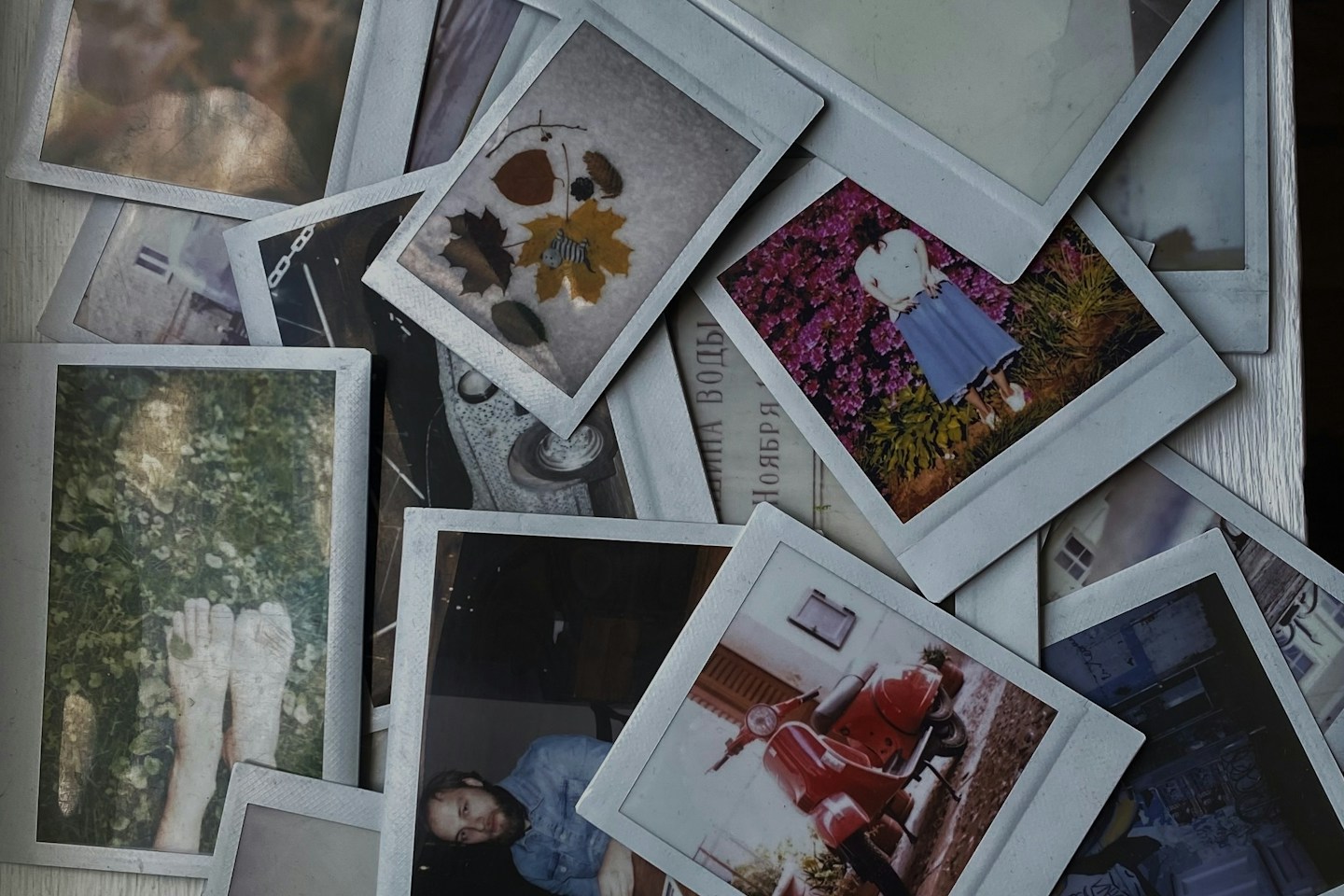 Photos & memories
Compare two speeds using the same photos and calculate the length of your Eye Contact montage before exporting.
Read the guide ↗ Connected home
Before reusing a Mac with RECAM, check its location, availability and the constraints while you are away.
Read the guide ↗ Photos & memories
Prepare your first portrait series, align the eyes and choose a pace for an Eye Contact montage on iPhone.
Read the guide ↗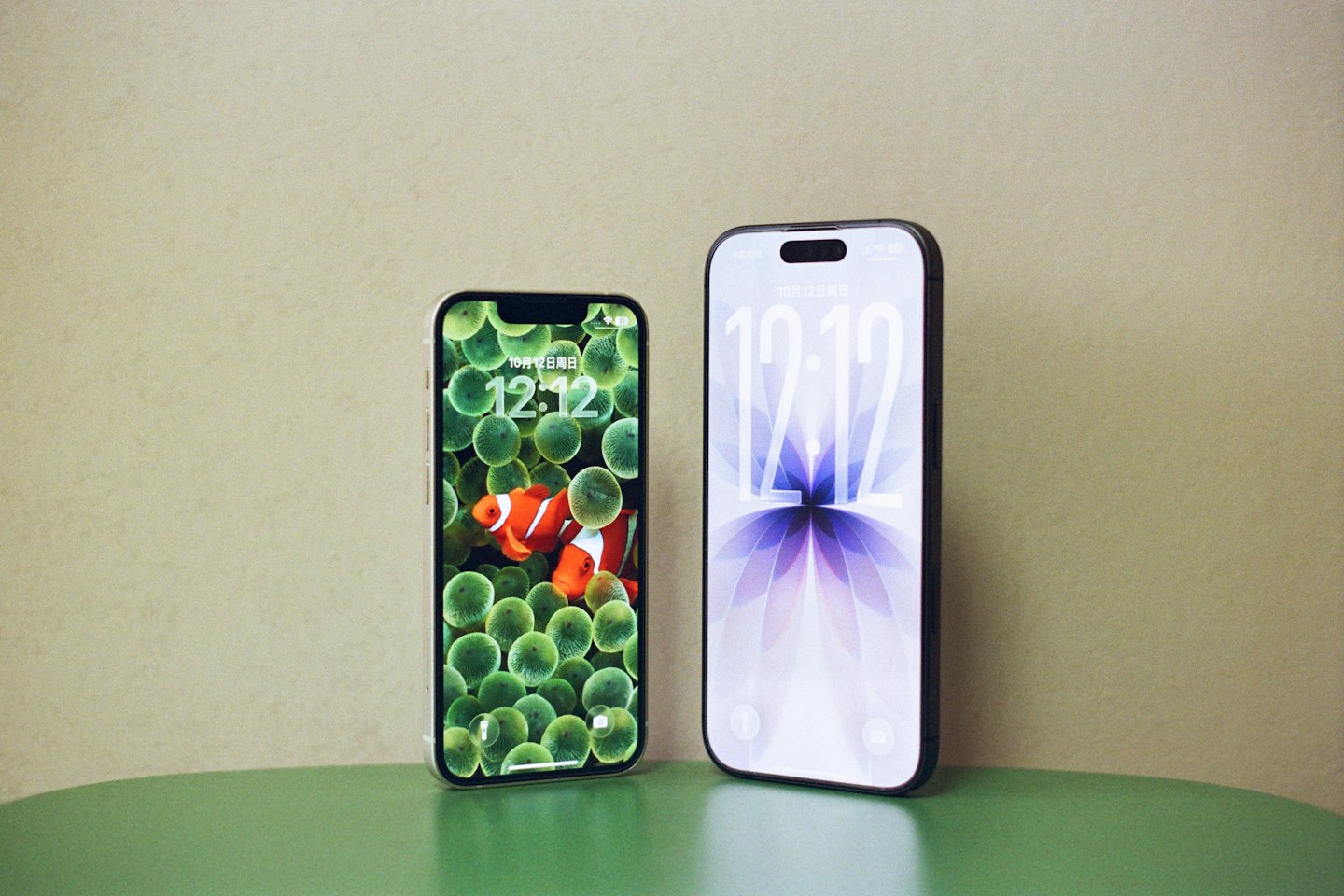 Connected home
Assign camera and viewer roles, pair two phones and identify where to look if your first live picture does not appear.
Read the guide ↗ Together
Three questions, a concrete example and one adjustment for the next round: discuss Werewolf without putting players on trial.
Read the guide ↗ Connected home
Picture, mobile data, notifications and power: a practical checklist for a phone used as a camera with RECAM.
Read the guide ↗ Together
Practical ways to keep a Werewolf evening enjoyable after elimination, without revealing roles or influencing votes.
Read the guide ↗