Make a present-to-past portrait timelapse with Eye Contact
To start with today’s face and travel back in time, arrange portraits from newest to oldest. Eye Contact lets you move photos within the montage. Confirm the order in the preview.
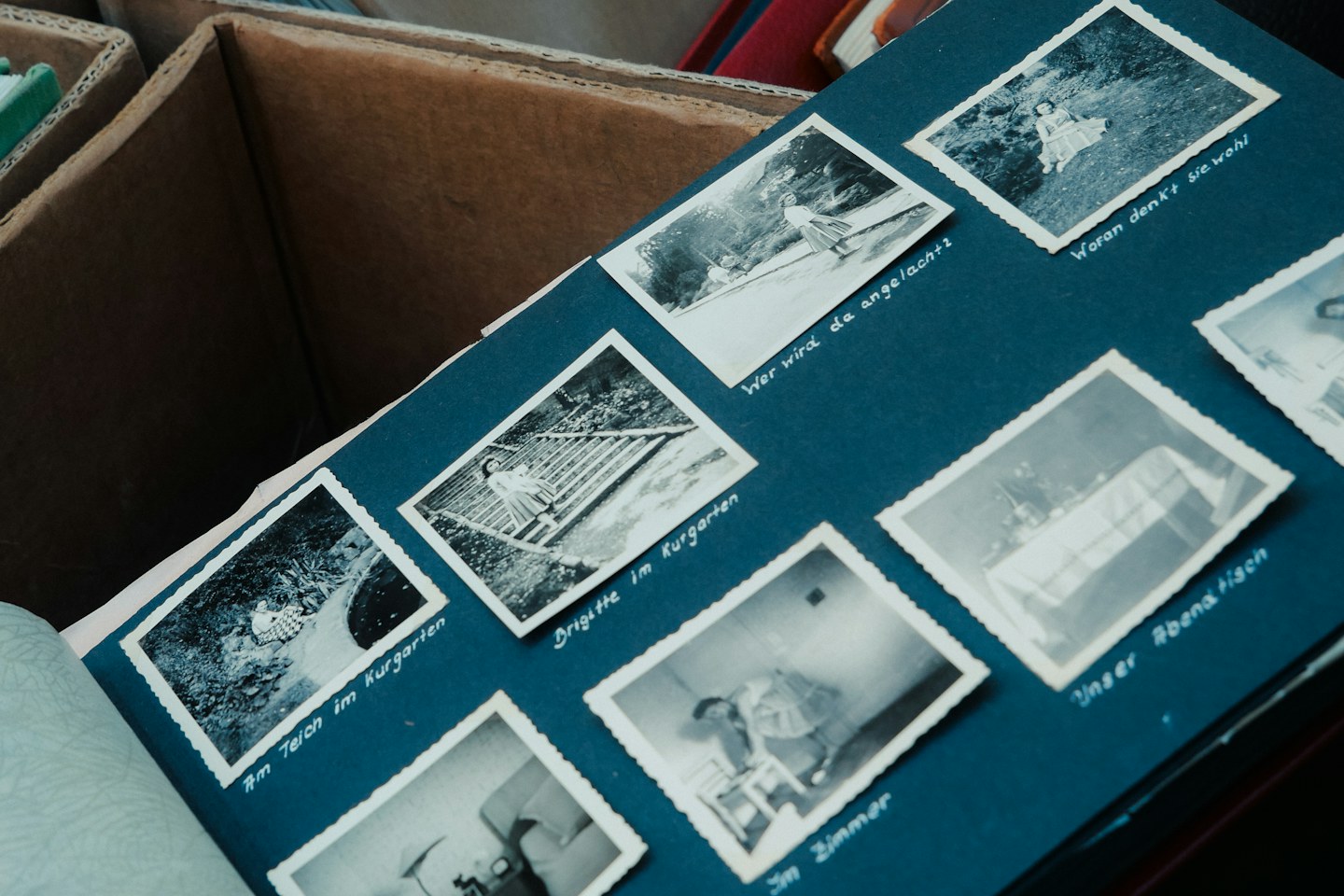 Photos & memories
Prepare five dated stages
Choose five portraits whose order you know. Note dates separately if needed, then move the pictures so the oldest comes last. Keep the pace constant for this first comparison.
Compare the ending
Imagine Noah chooses five portraits from age thirty back to age ten. In this order, the youngest face becomes the final reveal. He also watches a chronological version to decide which fits the memory he wants to share.
Check dates and the loop
Scanning dates can differ from the dates photos were taken. Check older portraits before placing them. If looping is enabled, review the cut from oldest back to newest. Importing, editing and previewing are free; export requires a one-time in-app purchase. Put old photos in order.
Examples are fictional. Organisational suggestions are editorial advice.