Your Mac stays at home: is it in the right place for a camera?
A spare Mac can become a camera with RECAM, but its location is the deciding factor. If it can stay open and powered in the room you want to see, it is worth trying. If every outing means rearranging your desk, another device may be more practical.
 Connected home
Start with one question
Write down what you want to check from your phone: whether the dog is resting on its cushion, for example. Avoid the vague aim of watching the entire house. From its desk, the Mac sees only one angle of the room. Check that view in a preview before choosing a permanent setup.
Check three things before installing
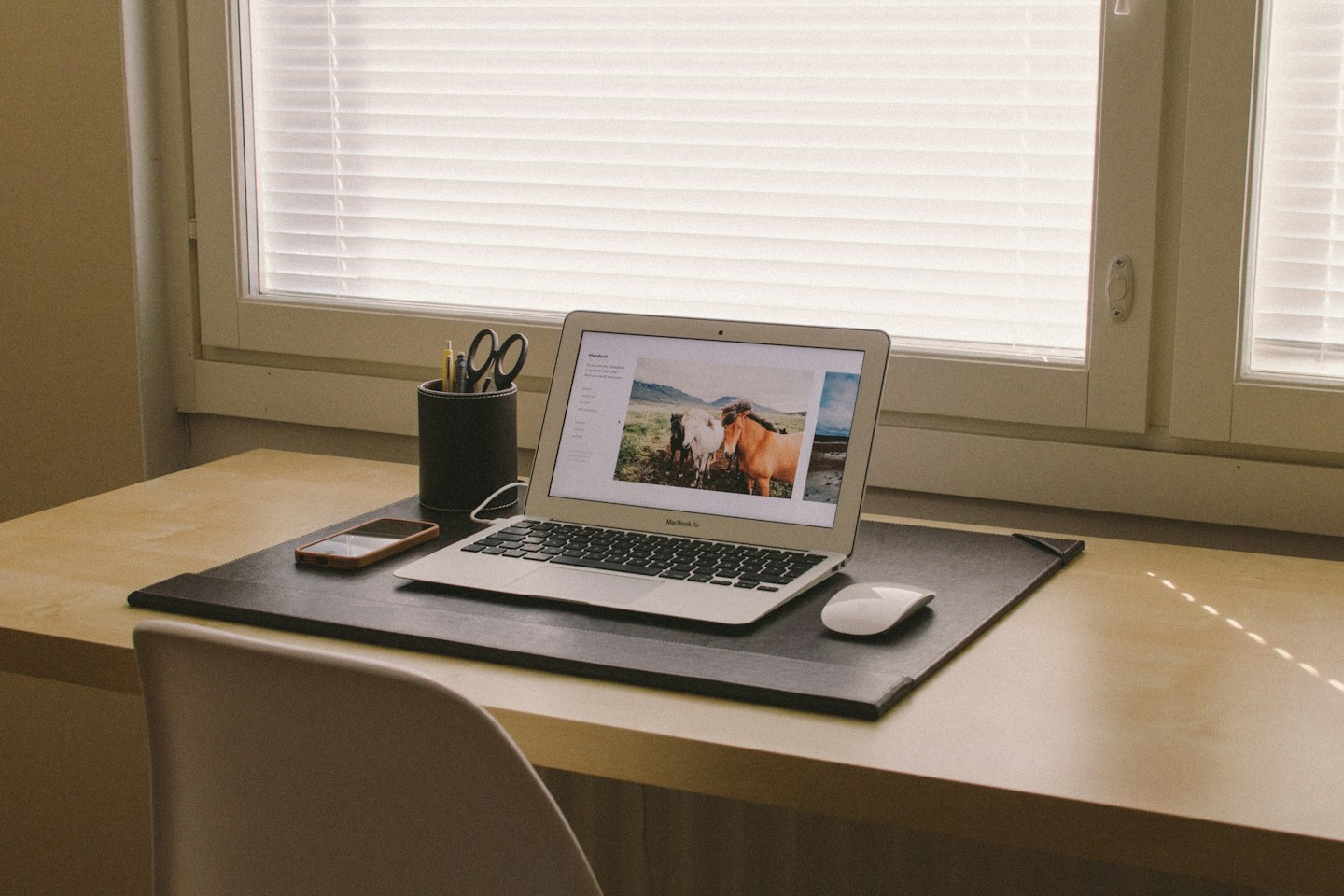
Will the Mac actually stay there while you are away? Does its camera see the useful area without moving furniture? Can it remain plugged in, with the laptop open? If any answer is no, reconsider the position. A USB webcam you already own may help with the angle; an old phone may be easier to place. Do not buy equipment before making this first assessment.
Check the Mac, then follow the guide
The official page lists macOS 13 or later on Intel or Apple silicon. A Mac without a built-in camera needs an external one; RECAM supports an iPhone through Continuity Camera from macOS 14. A Mac has one role at a time: camera or viewer. The official Mac setup guide (French) explains permissions and pairing.
Rehearse a realistic outing
Fictional example: Léa wants to see the dog’s corner while running an errand. Her MacBook is already on a table, but a chair hides the cushion. She tries a slightly different angle and checks the picture on her phone. She closes the RECAM window and verifies that the camera continues: the documentation describes this menu-bar behaviour. She does not quit the app or close the laptop lid. A dark display is different from a sleeping Mac.
Count the constraints, not a promised return
Reusing a Mac does not generate income or guarantee savings. Note any accessory cost, electricity use and the app’s terms. The site offers live viewing and alerts for the first three days, then RECAM Pro to keep them. Check the current terms before deciding. After a restart, automatic RECAM launch depends on the user session opening; do not assume unattended recovery.
Decide after a remote check
Before giving the Mac this job, check the image over your mobile connection, then the alerts you need. Our before-you-leave checklist helps distinguish a picture seen on home Wi-Fi from access actually checked outside. Keep the Mac setup only if its framing and constraints work for you. Reuse does not guarantee protection or continuous availability.
Examples are fictional. Organisational suggestions are editorial advice.