 Connected home
This phone is a RECAM camera: leave a clear household note
Tell people at home what to do before moving the setup.
Read the guide ↗A new use for the phone sitting in your drawer.
Visit the app’s official page ↗Connected homeTell people at home what to do before moving the setup.
Read the guide ↗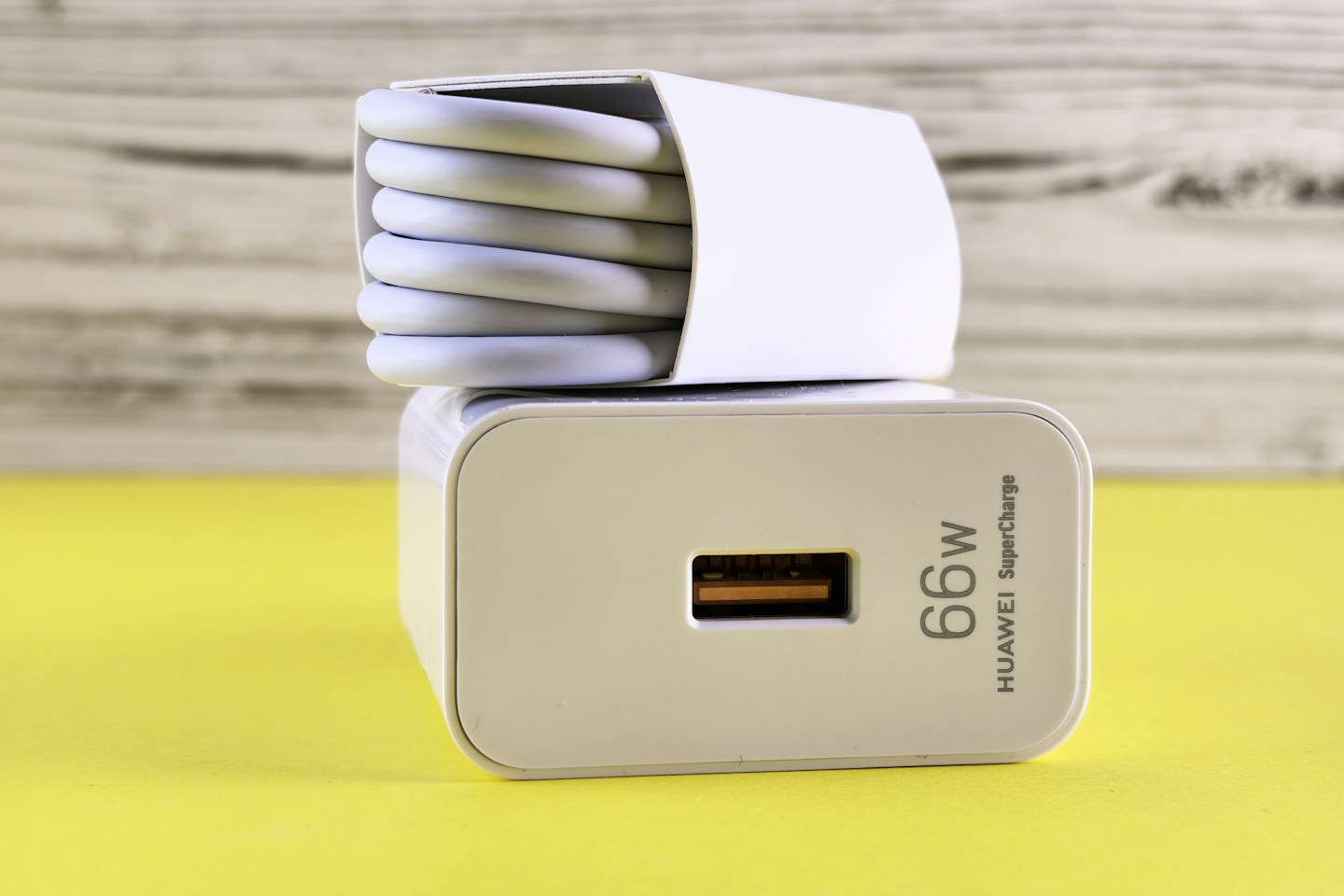 Connected home
Check power with the phone in its final position.
Read the guide ↗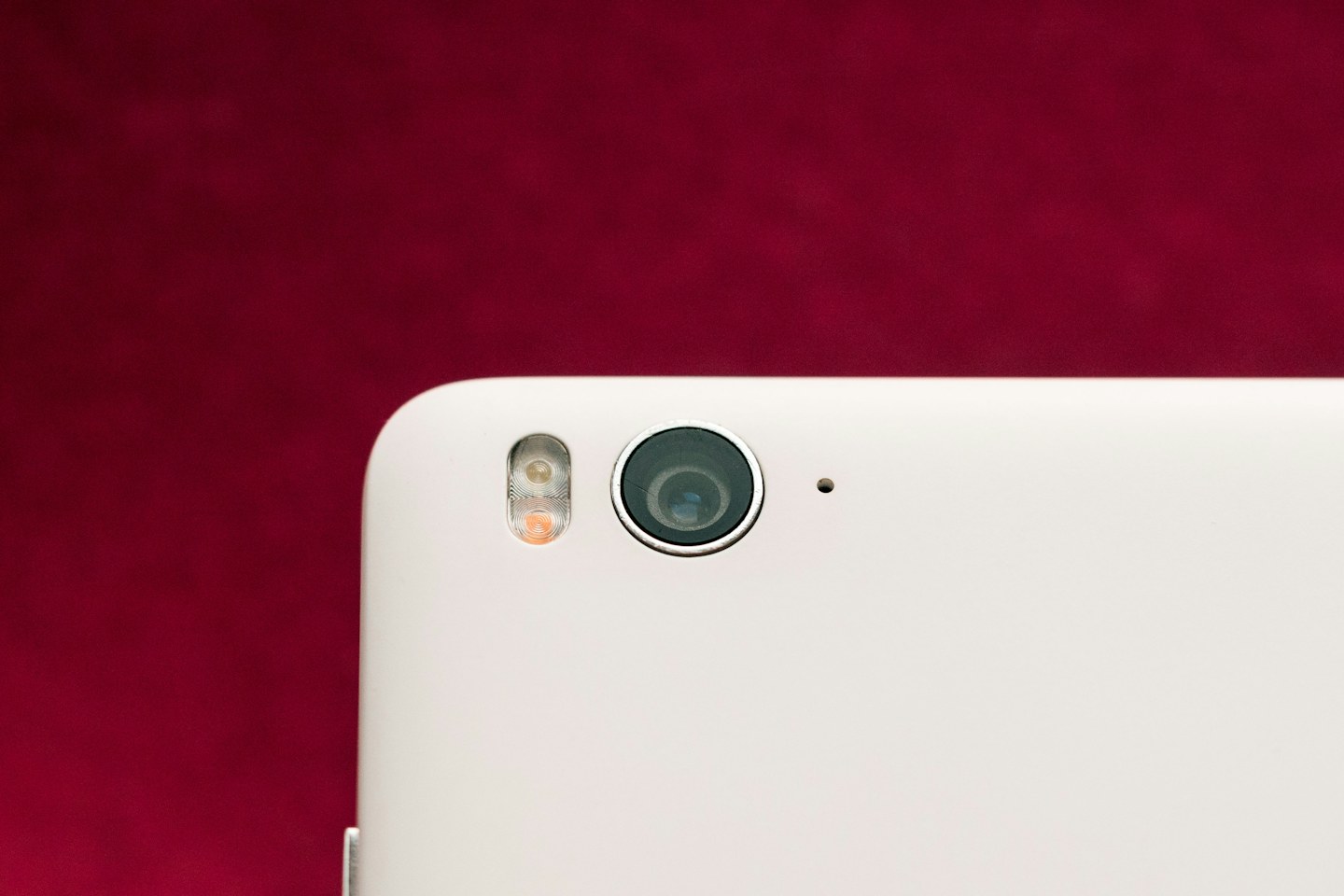 Connected home
A simple check before looking through settings for the cause.
Read the guide ↗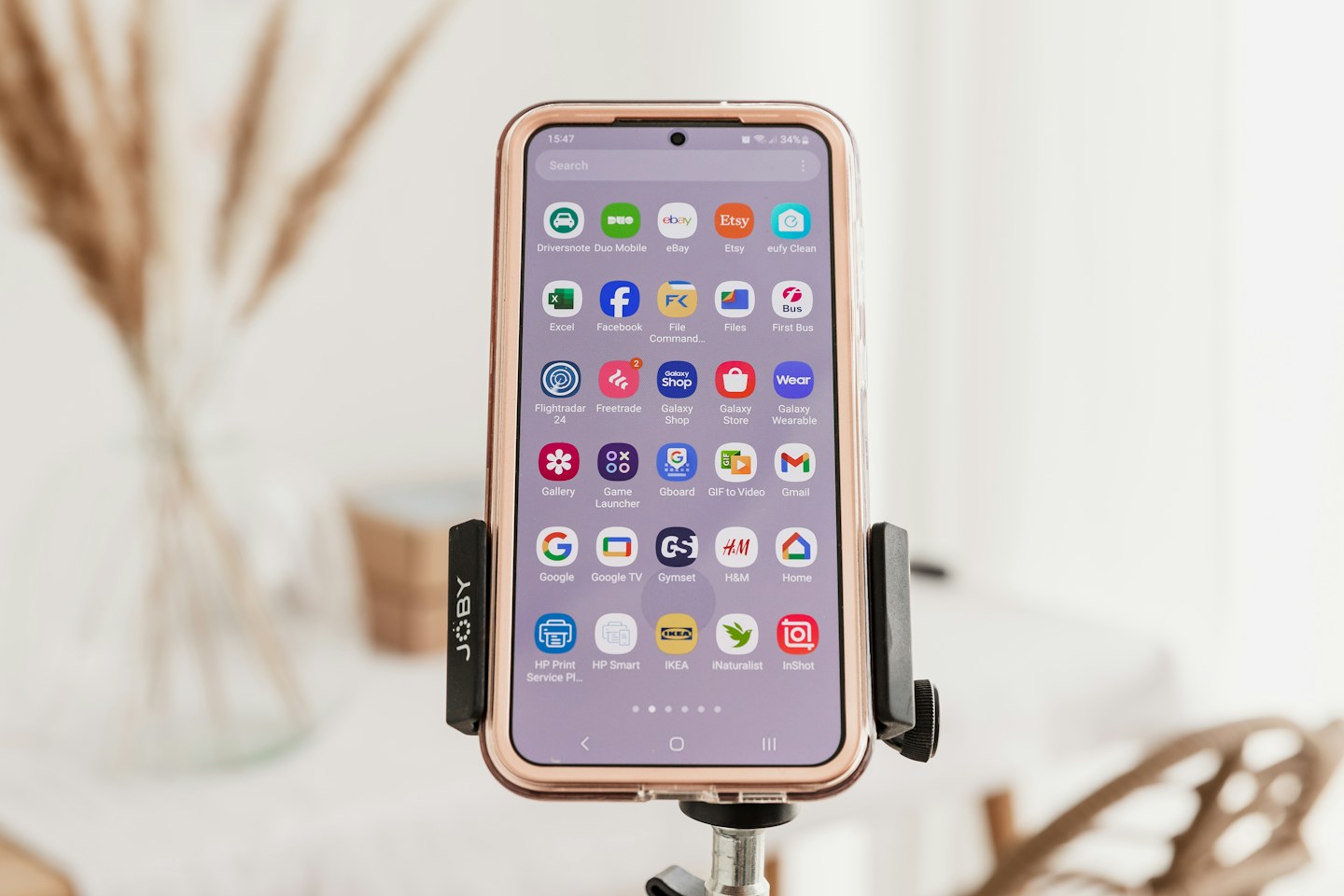 Connected home
Use two fixed landmarks to put a phone or Mac camera back where it belongs.
Read the guide ↗ Connected home
Check the framing at two times of day before choosing where to leave the camera.
Read the guide ↗ Connected home
Record the camera and viewer details that help narrow down a live-view issue.
Read the guide ↗ Connected home
Measure one viewing session to estimate how several quick checks might affect your allowance.
Read the guide ↗ Connected home
A short observation log helps you repeat a camera test without guessing what triggered a notification.
Read the guide ↗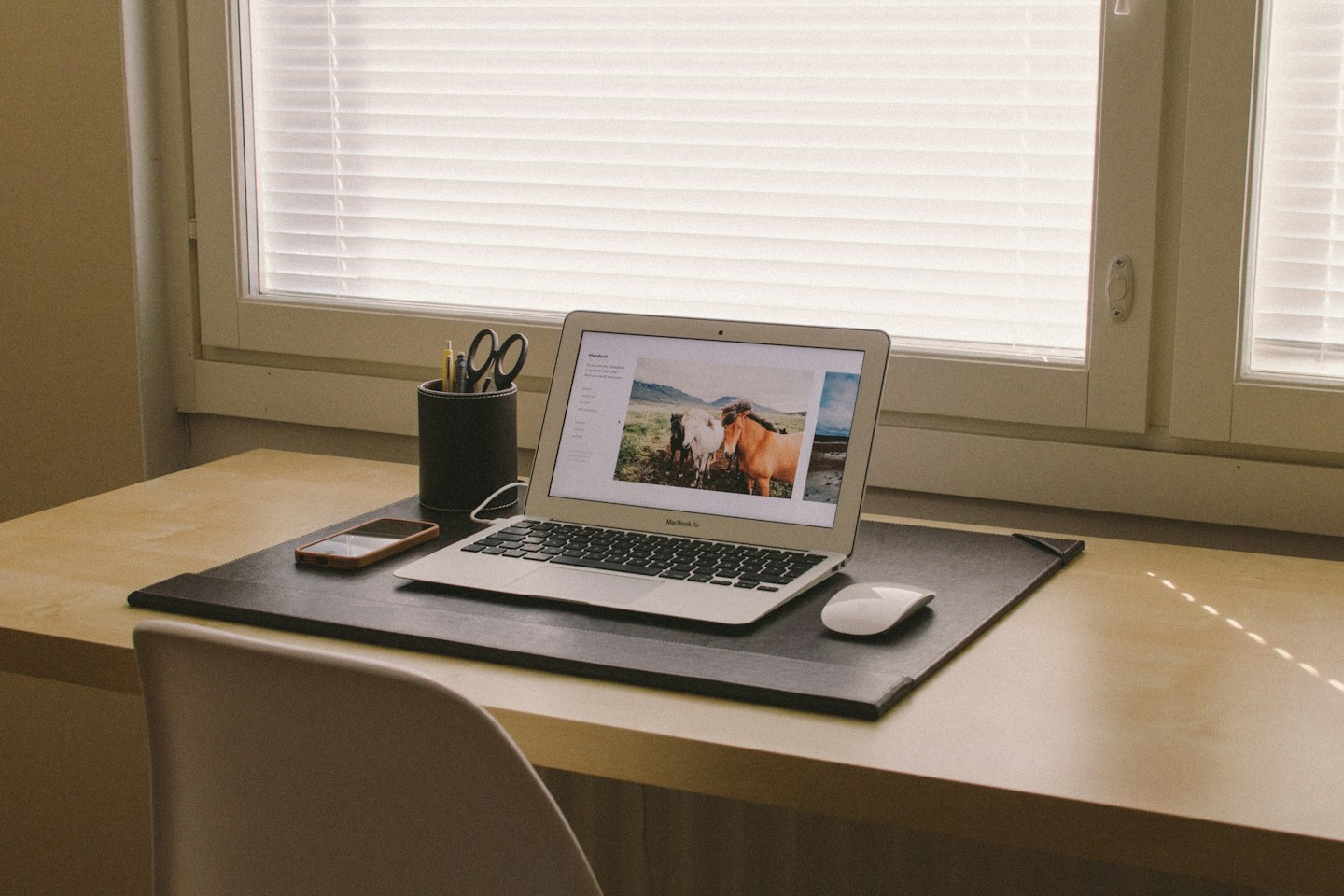 Connected home
Before reusing a Mac with RECAM, check its location, availability and the constraints while you are away.
Read the guide ↗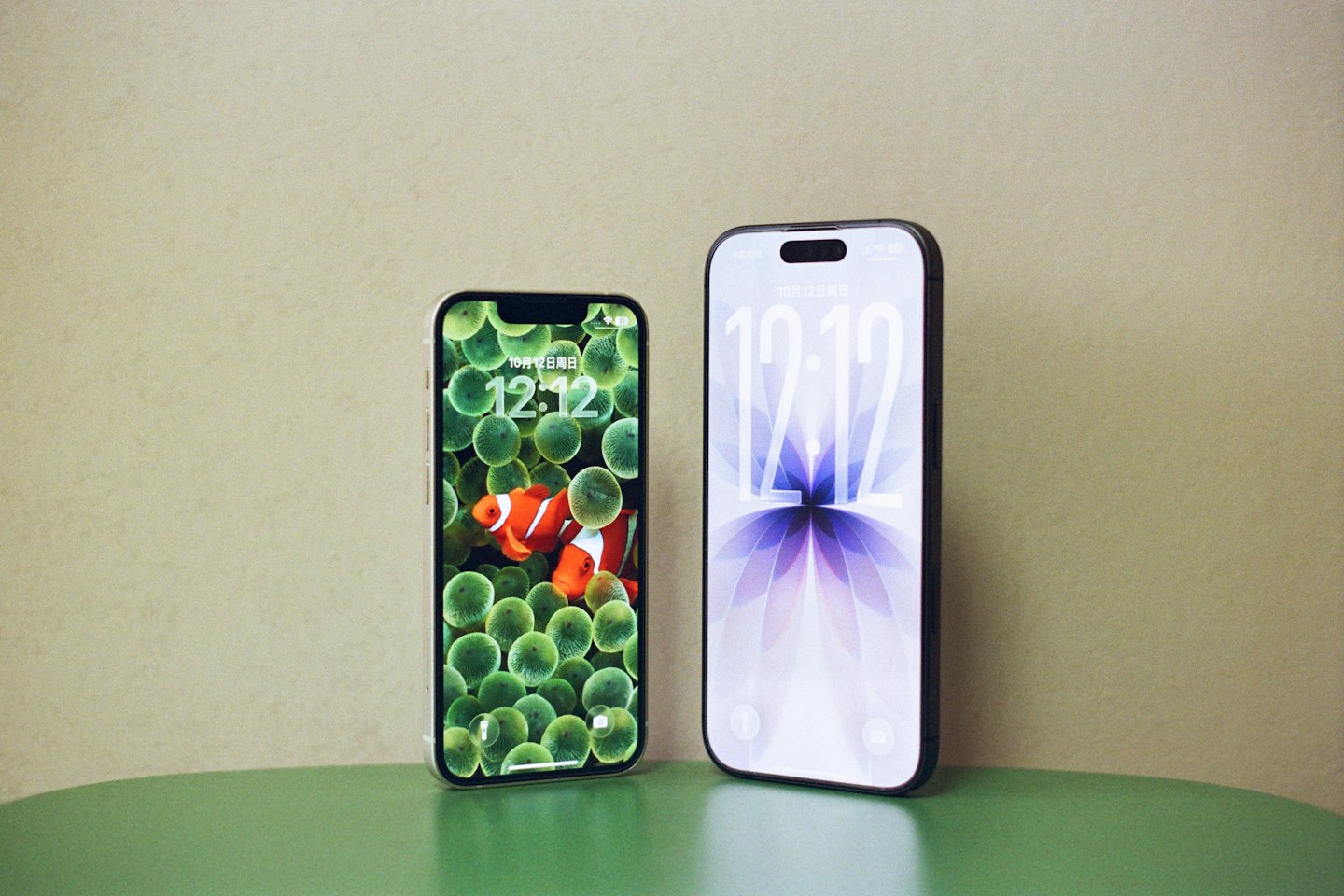 Connected home
Assign camera and viewer roles, pair two phones and identify where to look if your first live picture does not appear.
Read the guide ↗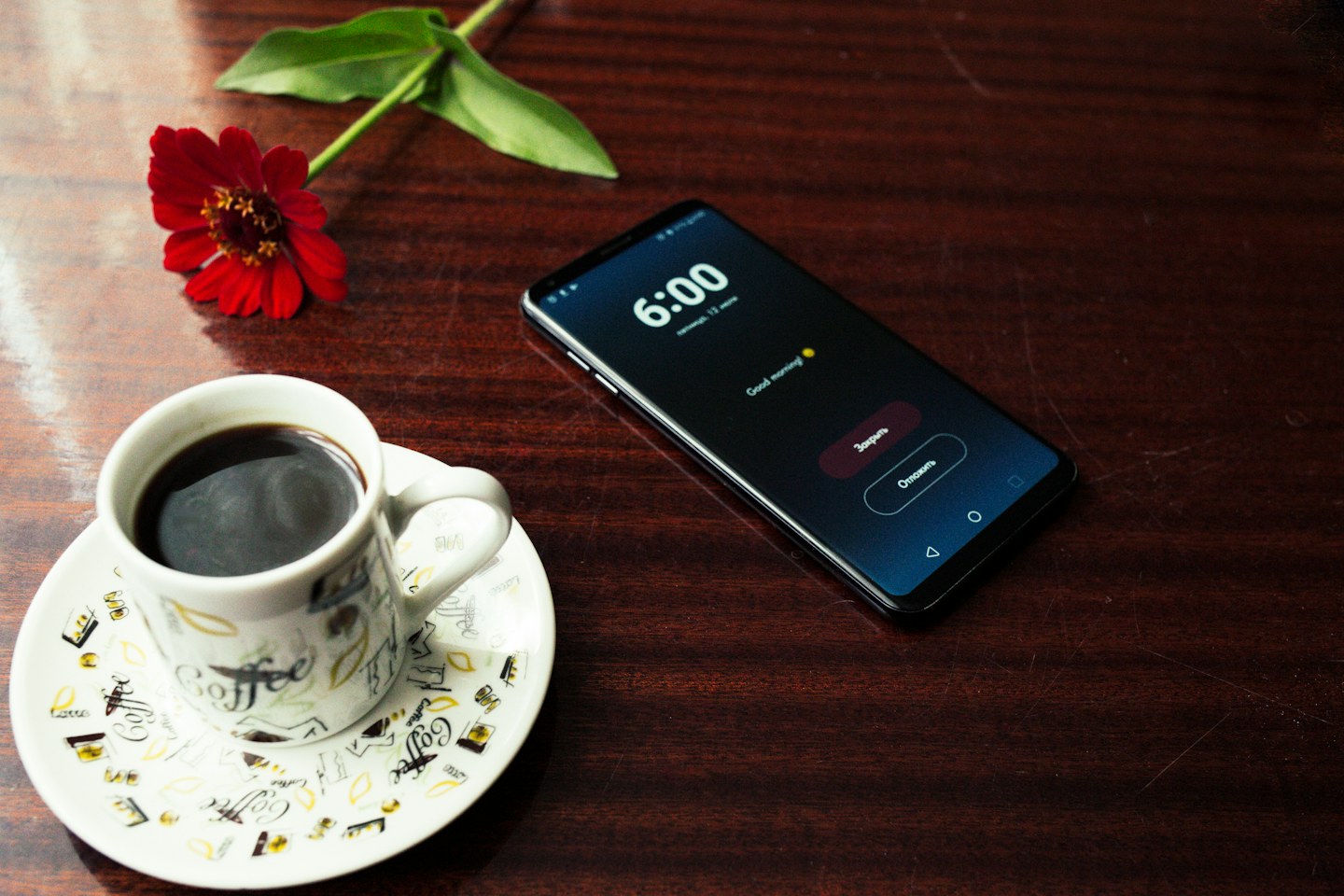 Connected home
Picture, mobile data, notifications and power: a practical checklist for a phone used as a camera with RECAM.
Read the guide ↗