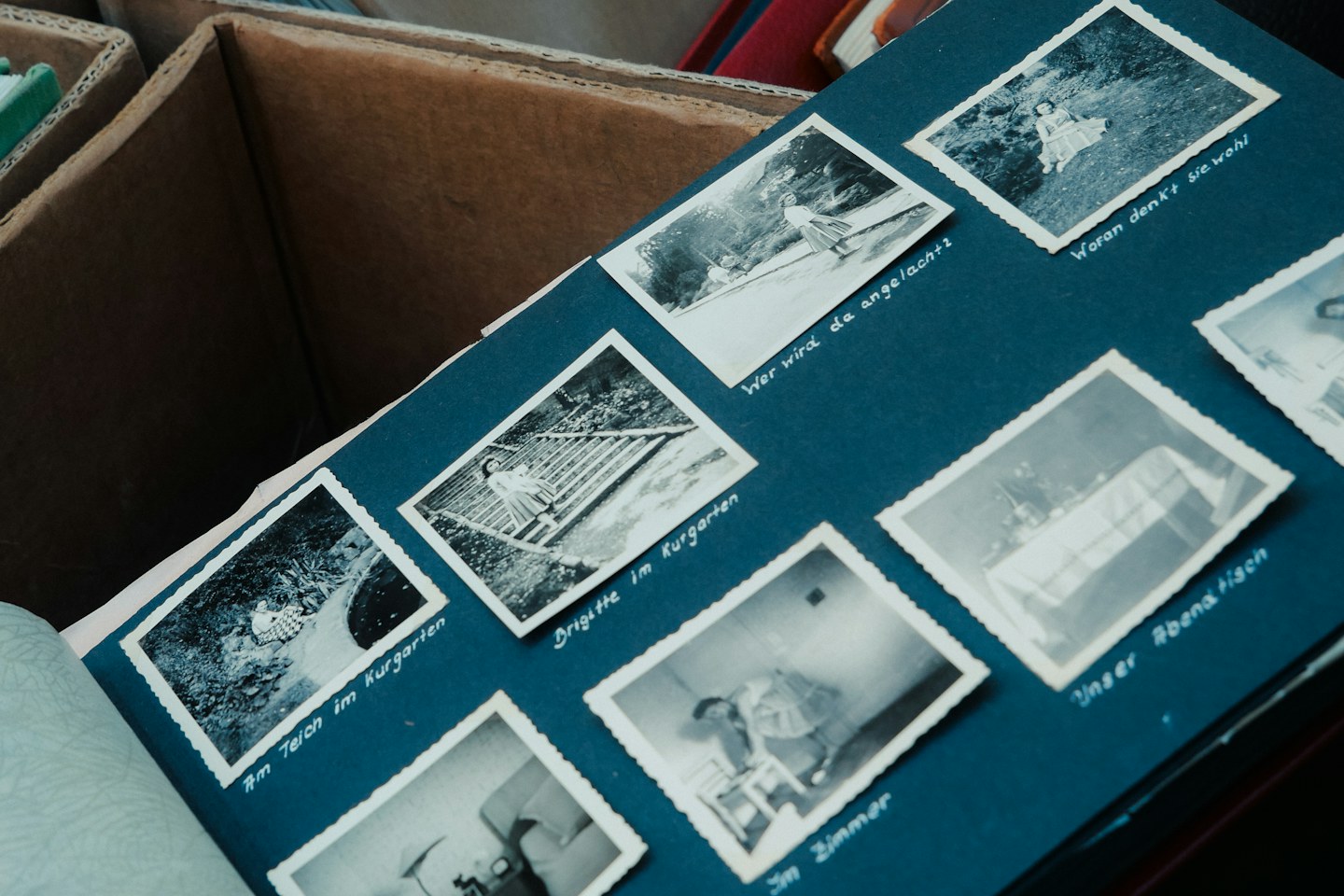
 Photos & memories
Make a present-to-past portrait timelapse with Eye Contact
Try reverse chronology with a small set of portraits.
Read the guide ↗Bring portraits to life, with eyes as the anchor.
Visit the app’s official page ↗Photos & memoriesTry reverse chronology with a small set of portraits.
Read the guide ↗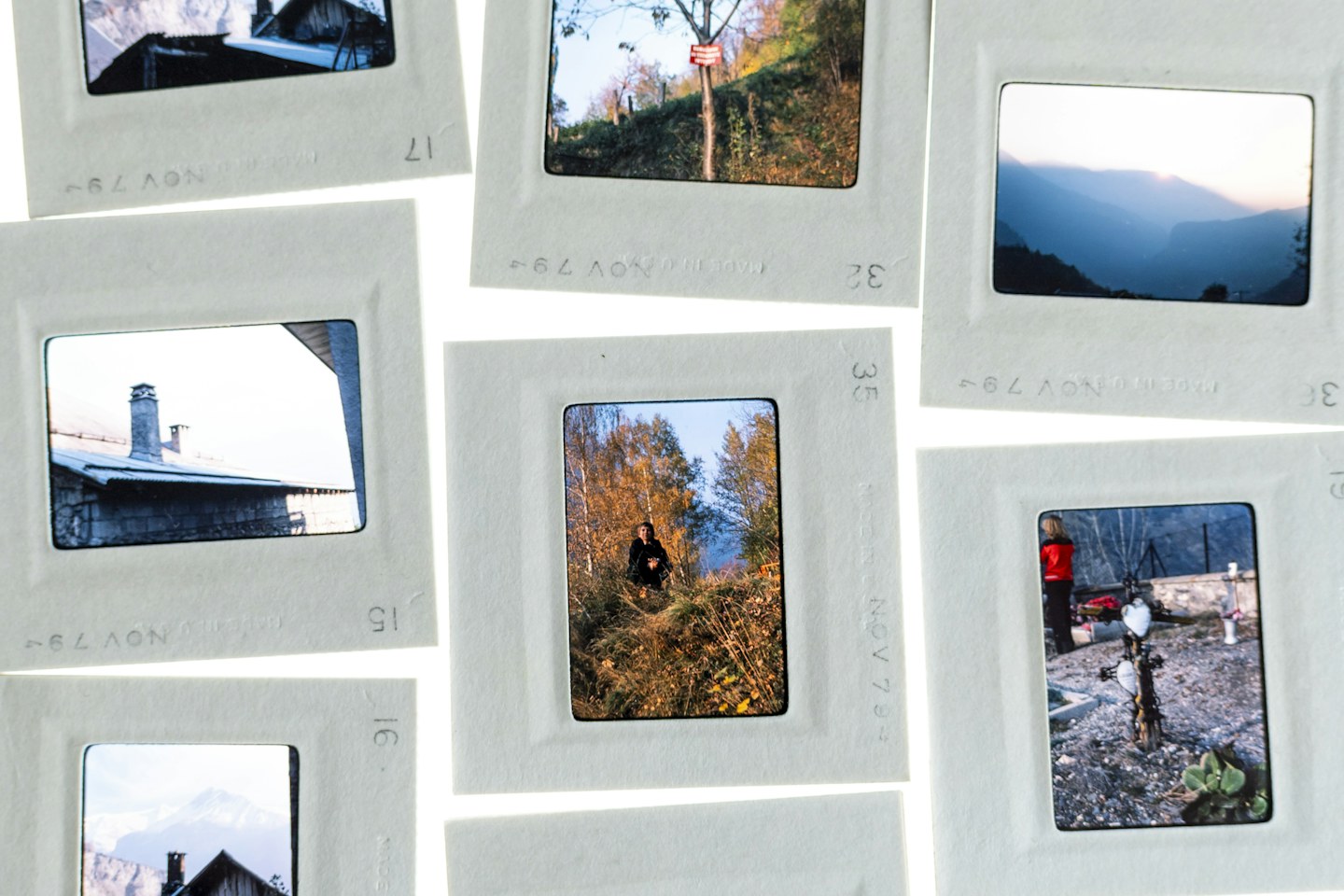 Photos & memories
Choose portraits whose progression is clear in silence.
Read the guide ↗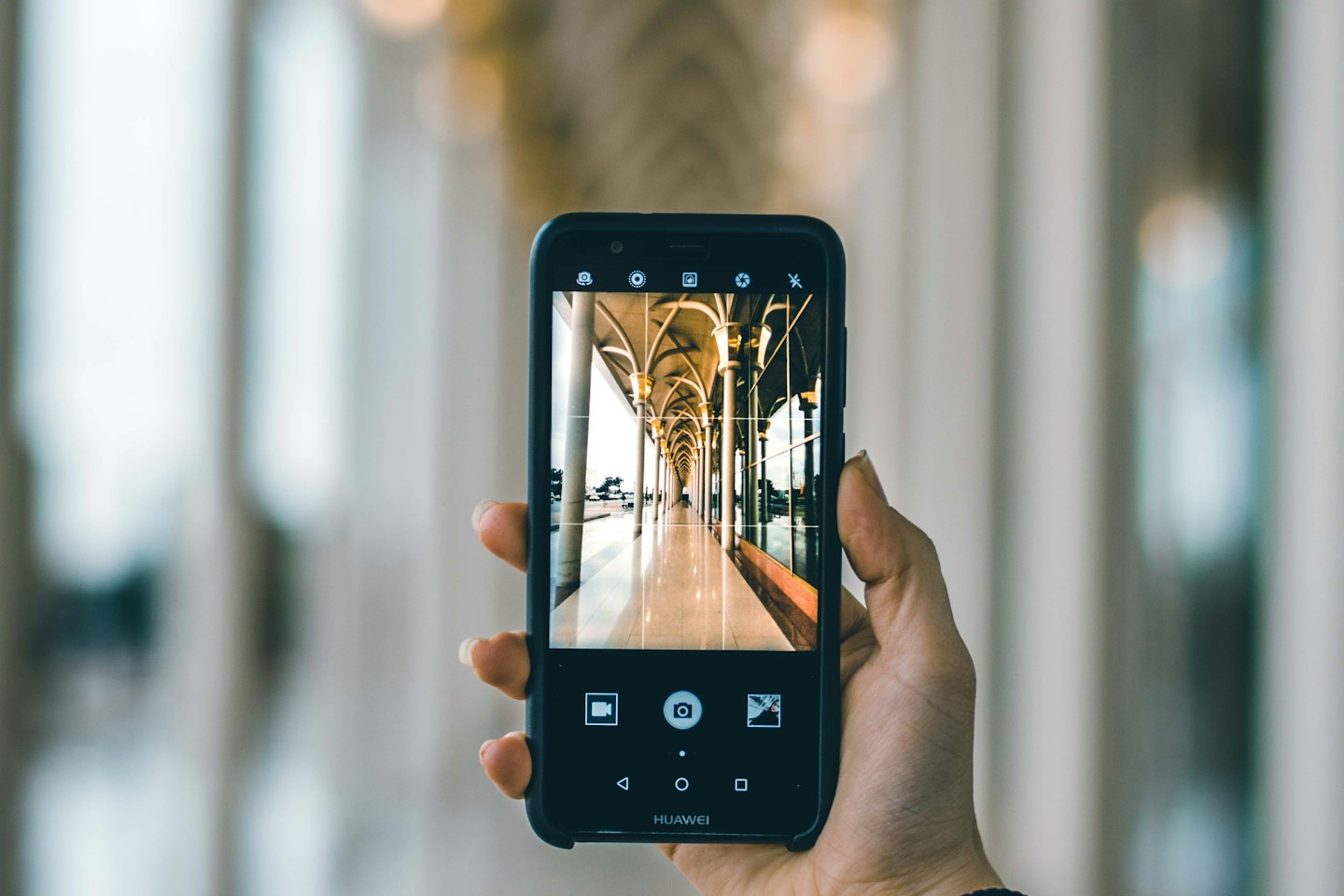 Photos & memories
Check the imported image before building your portrait film.
Read the guide ↗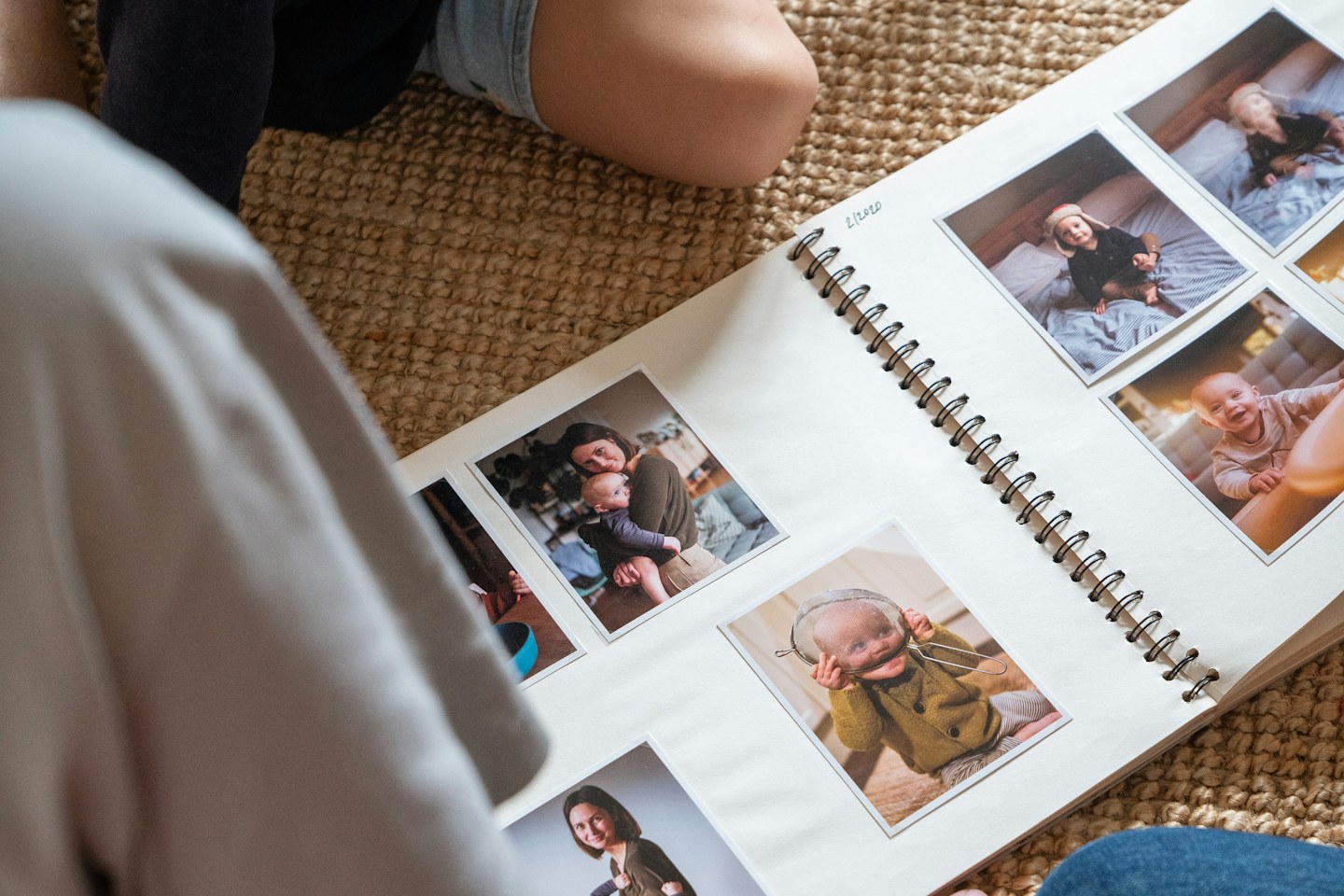 Photos & memories
Keep a reference version so you can compare an idea without losing your place.
Read the guide ↗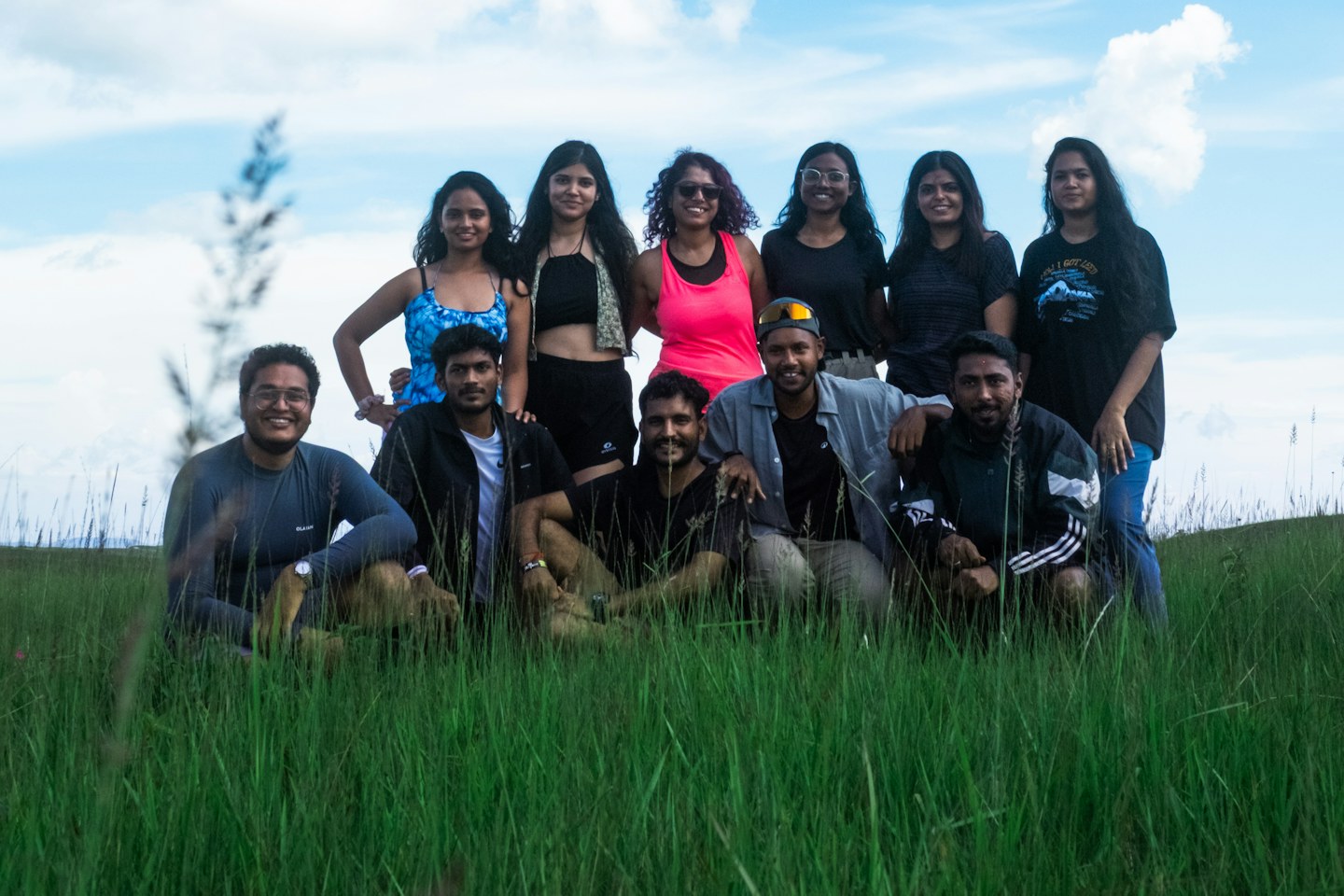 Photos & memories
Check the selected face on each photo before changing the pace of your film.
Read the guide ↗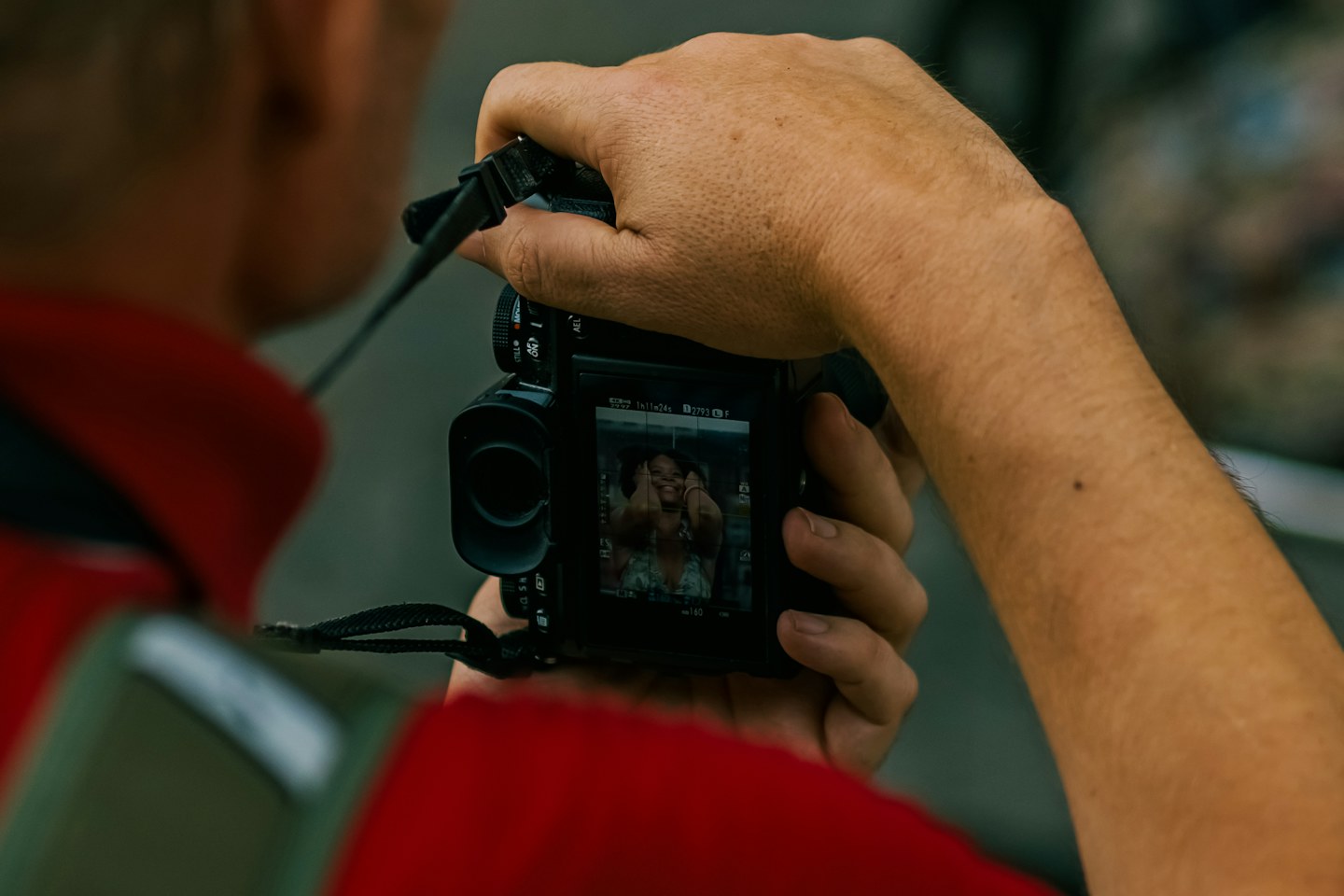 Photos & memories
Compare two cuts at viewing size before dropping a picture you care about.
Read the guide ↗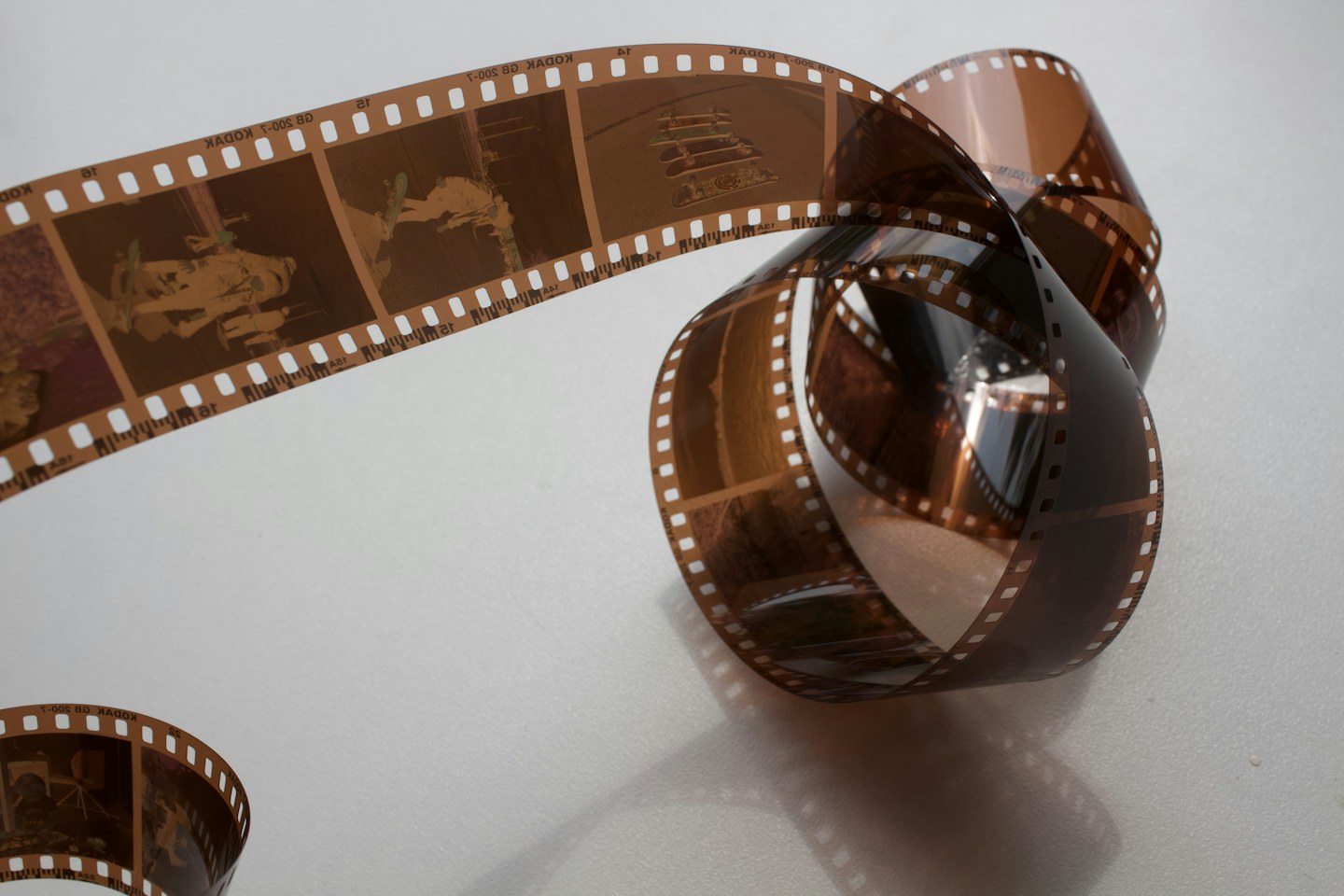 Photos & memories
Review the cut from the last photo to the first before changing the speed of the whole sequence.
Read the guide ↗ Photos & memories
Compare two crops before exporting a photo montage for a phone or a TV.
Read the guide ↗ Photos & memories
Prepare a cat or dog photo montage with Eye Contact: choose clear eyes, check the order and review transitions before exporting.
Read the guide ↗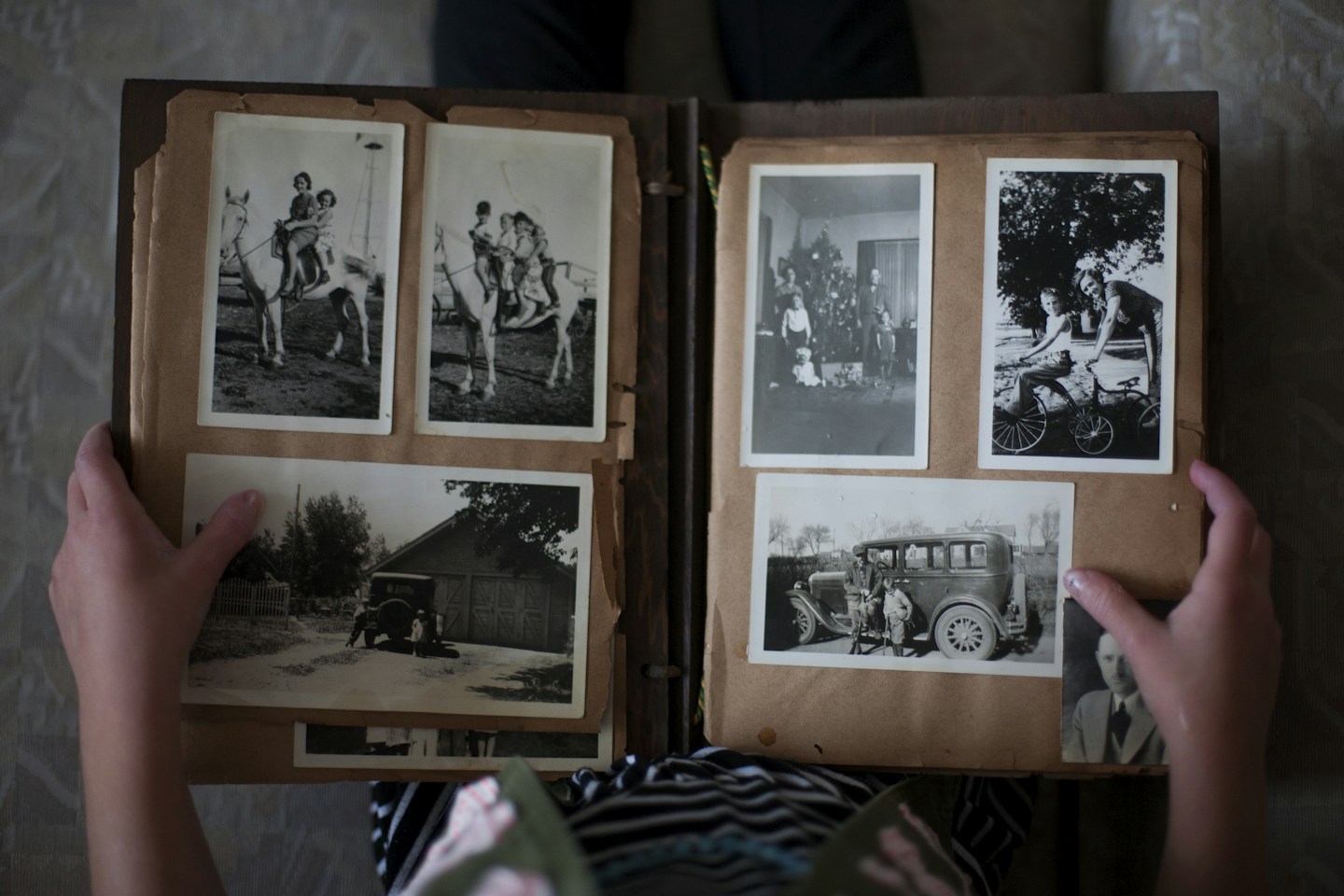 Photos & memories
Separate file dates from memories, then arrange portraits in Eye Contact without inventing a timeline.
Read the guide ↗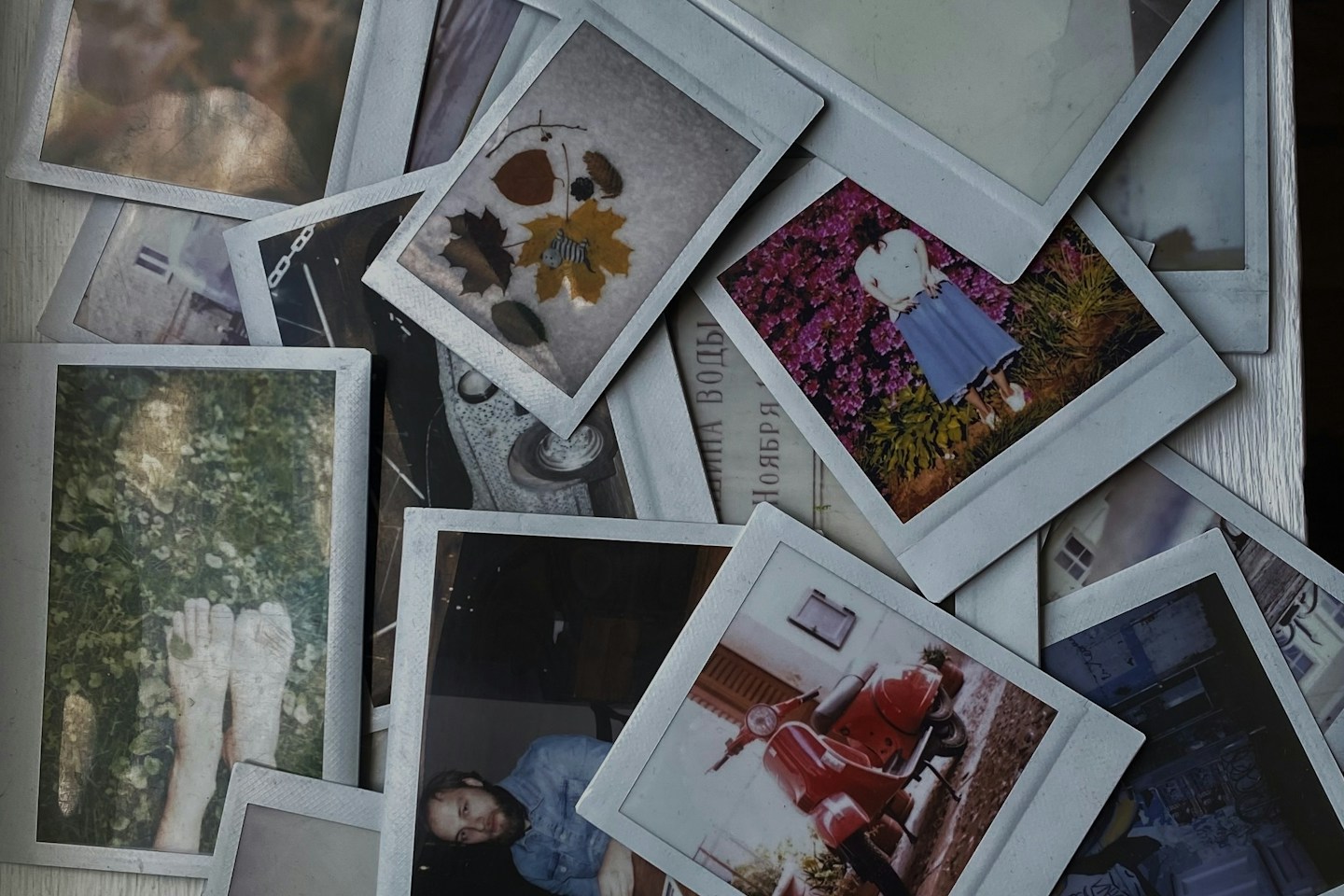 Photos & memories
Compare two speeds using the same photos and calculate the length of your Eye Contact montage before exporting.
Read the guide ↗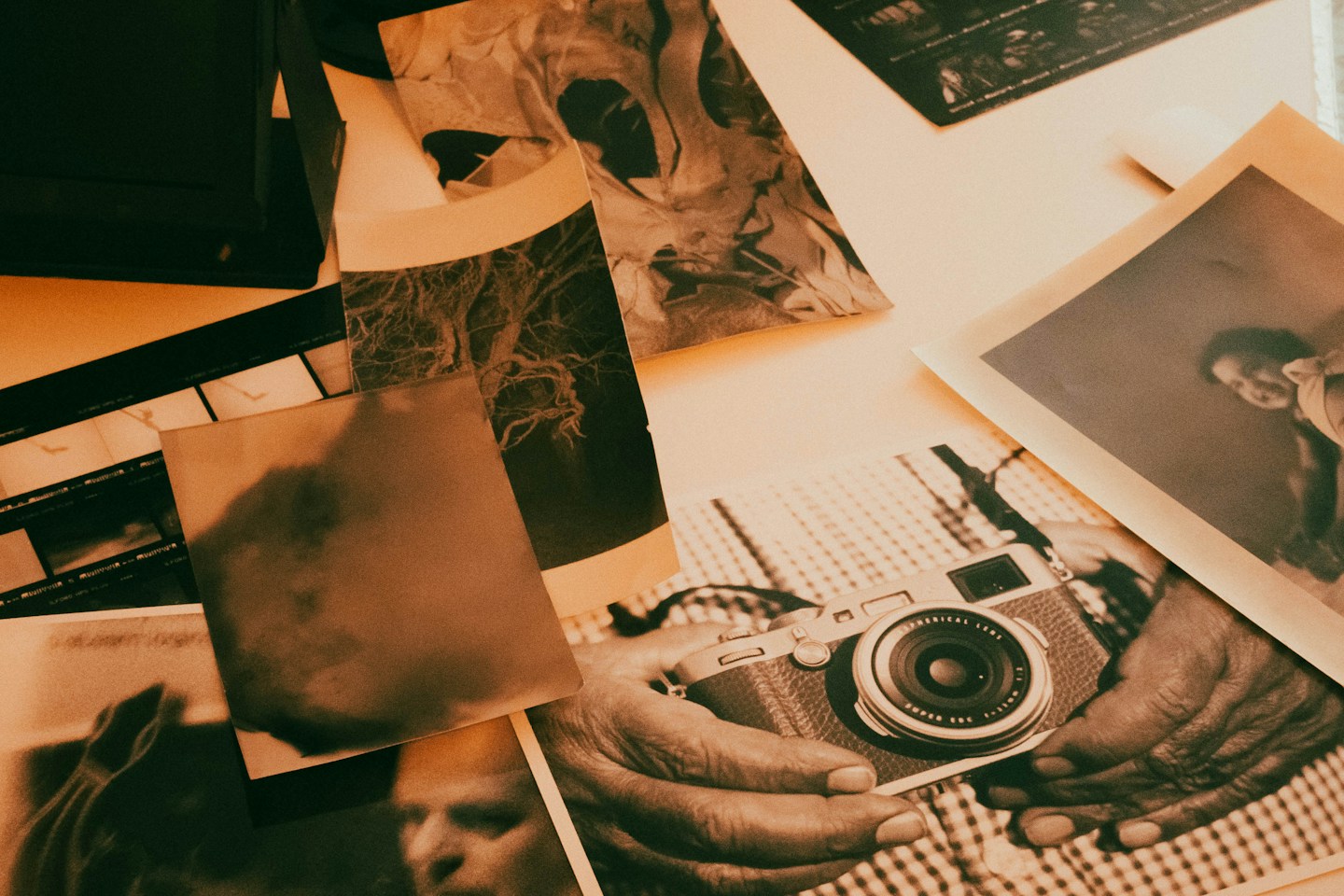 Photos & memories
Prepare your first portrait series, align the eyes and choose a pace for an Eye Contact montage on iPhone.
Read the guide ↗