Getting started with RECAM: two phones, your first live picture
Install RECAM on both devices, choose which one will film, then add that camera on the device you will watch from. Start with both phones on a table: this separates setup problems from placement problems.
 Connected home
1. Give each phone a job
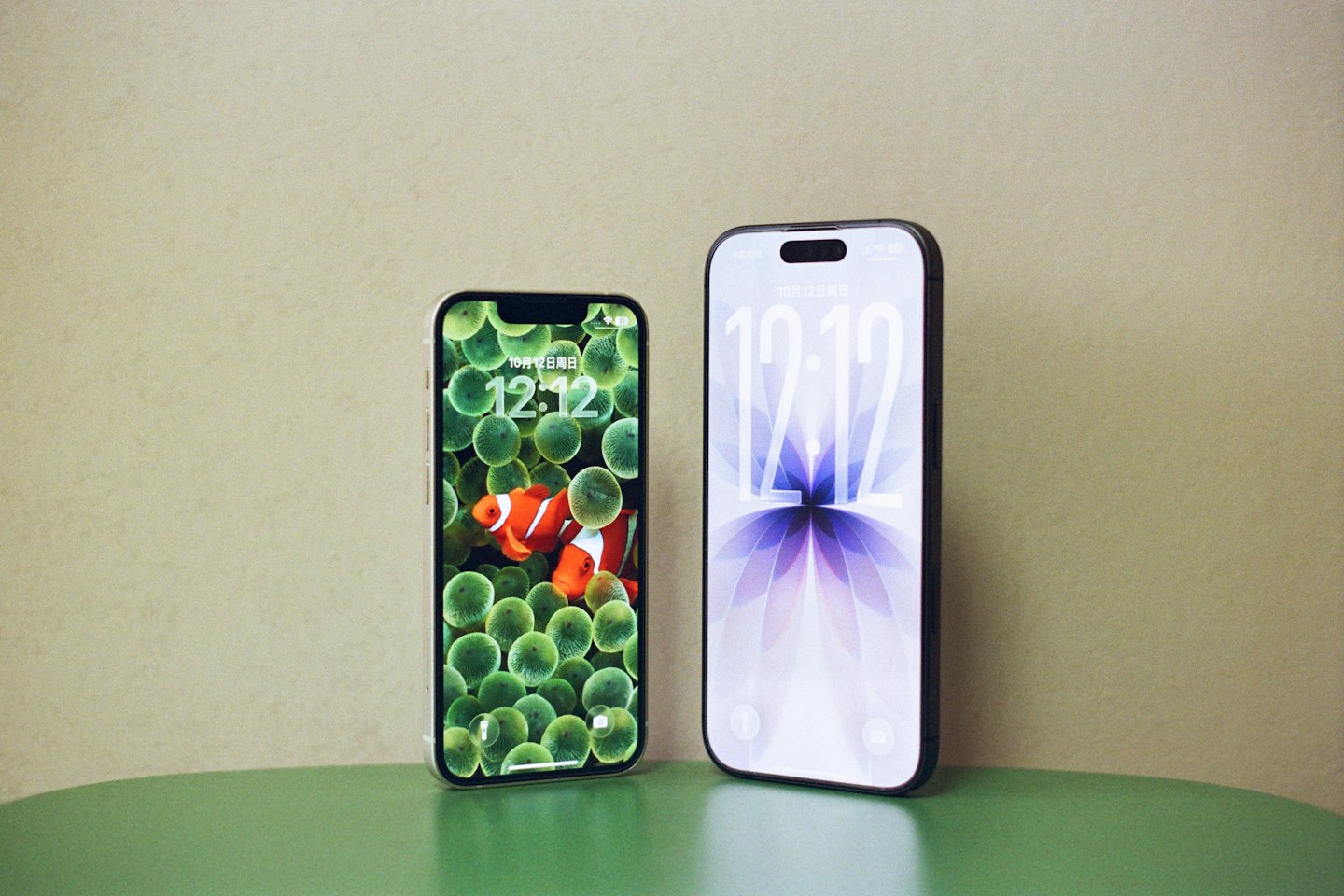
Put the devices side by side. The one staying in the room is the camera; the one you take with you is the viewer. Write down the roles if the devices look alike. The steps below follow the official iPhone guide; labels may differ by platform or version.
2. Install before mounting anything
Use the download links on the RECAM website and check compatibility for both devices. Install and open the app on each. Leave the permanent mount aside for now. Your only goal at this stage is to open RECAM on both devices; there is no reason to change your router settings.
3. Display the code on the camera
The official French guide calls the camera action DIFFUSER, followed by camera and microphone permissions. A QR code appears. On the viewer, it calls the actions VISIONNER and AJOUTER UNE CAMÉRA: scan the first device’s code. The sequence is camera phone → QR code → viewer phone. This is a diagram of the roles, not an app screenshot; follow the corresponding labels in your language.
4. Find the step that is failing
If there is no code, first check the camera role and requested permissions. If the code is visible but will not scan, avoid reflections and face the devices toward each other. The guide also offers Partager (Share) on the camera, then opening the link on the viewer. Send that link only to the device you intend to grant access to. If pairing succeeds but no picture appears, check each device’s Internet connection before starting the whole setup again.
5. Check that the picture is live, then frame it
Fictional example: Nora points an old iPhone at a bookshelf and holds her main phone. She moves a book in front of the lens and checks the movement on the viewer. She now knows she is watching a live feed. She can move the camera to its intended location, adjust the angle and plug it in. A first picture does not yet verify notifications or access away from home.
6. Move from discovery to everyday use
RECAM’s current overview offers live viewing and alerts for the first three days without a subscription, then requires RECAM Pro for those functions. Check the offer shown during setup: a free download does not mean unlimited free live viewing. Before leaving home, continue with our verification checklist. This tutorial describes the documented flow, rather than claiming an independent test of every version.
Examples are fictional. Organisational suggestions are editorial advice.