Scanned old photos: put your portraits in the right order
Before turning scanned portraits into a timelapse, check their order manually. A file date does not prove when the portrait it contains was taken. Build a small, documented timeline first, then move the photos in Eye Contact to reproduce it.
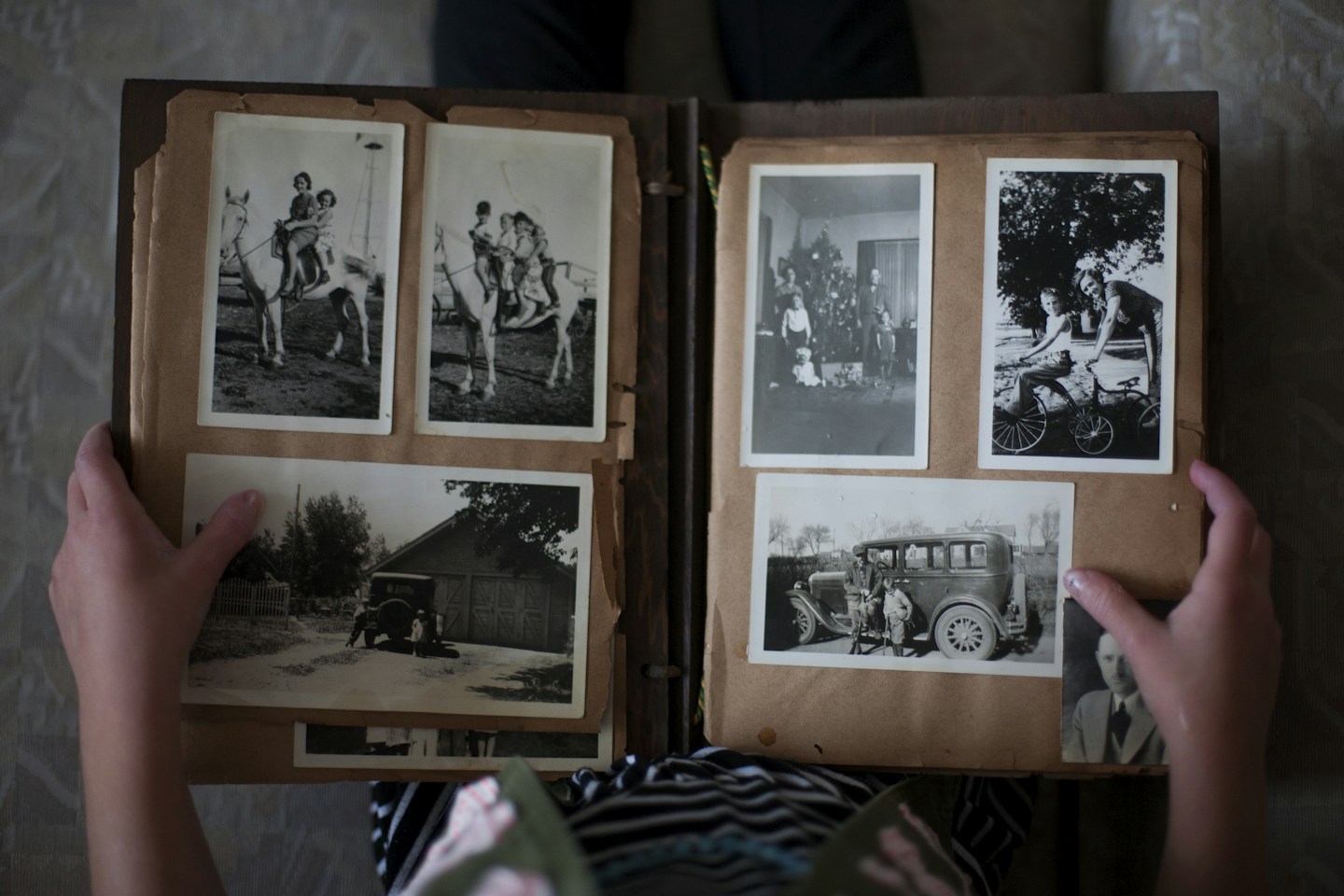 Photos & memories
Separate the photograph from its file
A print from 1998 scanned today may appear among recent files. Before using automatic sorting, inspect information for a few images and compare it with what you know about the prints. Apple’s photo information guide explains where to view metadata in Photos. Do not assume scanning has recovered the original date.
Record clues and how certain they are
On paper or in a separate note, give each portrait a reference: a date written on the back, an identified event, a likely year or an unknown date. Keep words such as “around” and “probably” where needed. Clothing or surroundings can help compare two images but do not establish an exact date alone. This note is your preparation method, not an Eye Contact feature.
Build a simple sequence before editing
Start with images whose order is certain. Put others between two anchors only when you have a reason to do so. Otherwise leave them out of this montage or make a themed series without presenting it as chronological. Keep the source files and notes: you do not need to change all their dates to try a sequence.
Recreate the selection in Eye Contact
The app listing says you can select photos or import an album, then move images, sort by date or shuffle them. For scans with uncertain dates, inspect the result and move photos according to your preparation. Fictional example: Ana has portraits dated 2001 and 2005, plus an undated print. She first keeps the two dated anchors in a short sequence and saves the third for another version rather than arbitrarily assigning it to 2003.
Review the film as a story
Watch the preview to check ordering and eye alignment, then choose the pace of the sequence. A change in hairstyle is not an error to fix if the chronology is correct. The current listing says import, editing and previews are free; watermark-free 1080p export requires a one-time in-app purchase, without a subscription. Check the price in the app. The MP4 has no sound; keep the app open while creating it. The app currently lists French and English.
Examples are fictional. Organisational suggestions are editorial advice.