Duplicate an Eye Contact project before trying a new edit
When you already like a cut, duplicate its project before trying another idea. Eye Contact lets you reopen and duplicate projects saved on your iPhone.
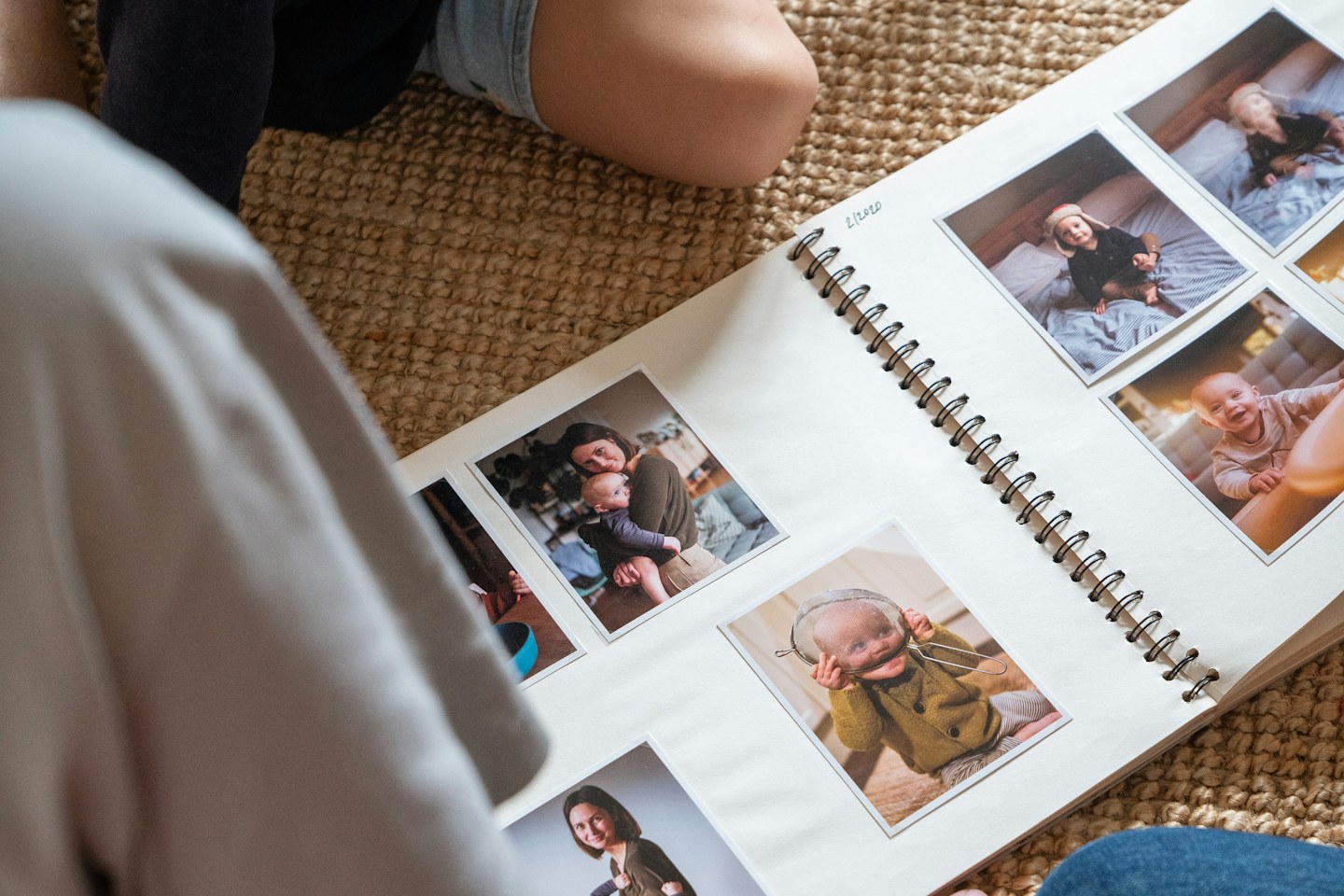 Photos & memories
Start from a known preview
Watch the existing project all the way through. Duplicate it, open the copy and check its first and last photos before editing. Write down the change you want to test so you can distinguish the versions.
Change one thing and compare
Imagine Ana wants to open with a recent portrait before returning to childhood. She moves only that portrait in the copy. She watches both previews at the same pace and decides whether the new opening makes the story clearer.
Keep both until you decide
Reopen the two projects and confirm that each preview matches the expected edit. Automatic saving should not be taken to mean cross-device syncing. Importing, editing and previewing are free; export requires a one-time in-app purchase. Check the join if you use looping.
Examples are fictional. Organisational suggestions are editorial advice.