Portrait or landscape? Frame your photo timelapse for its screen
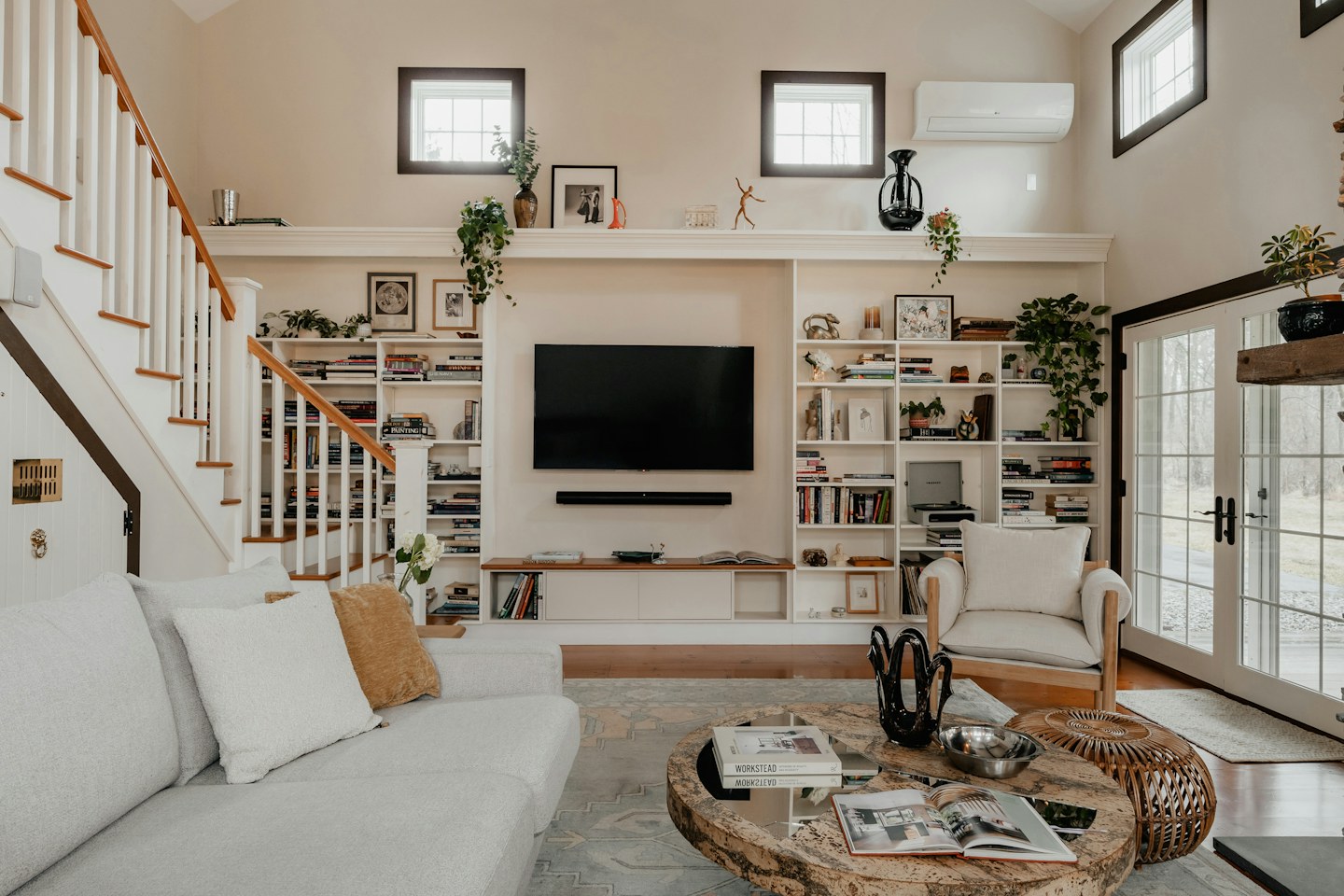
Choose the format for the screen where the film will be watched. Even with the eyes centred, a crop can cut off a shoulder or lose the background that makes a picture meaningful.
 Photos & memories
Pick three test pictures
Take your tightest close-up, your widest shot and the picture with the most off-centre face. Decide what else must stay visible in each: a hand, another person or a familiar doorway.
Keep the edit identical
In a fictional example, Ines is making a film for a living-room TV and an upright phone. She duplicates her Eye Contact project and compares landscape and portrait previews without changing the pictures or their pace. In the graduation shot, she checks whether the diploma stays in frame.
Keep both if needed
If a single format loses an important detail, keep both projects. Importing, editing and previewing are free; watermark-free export requires a one-time in-app purchase. To compare playback speeds next, see our guide to timelapse pacing.
Examples are fictional. Organisational suggestions are editorial advice.